Polar Tracking — Snap to polar angles
Polar Tracking pulls the cursor onto directions whose angle is a multiple of an increment angle (45° by default) around the previous point, with a tracking line and an angle label.
Toggle: F10 or the Polar button (slanted-angle icon) on the status bar 3.
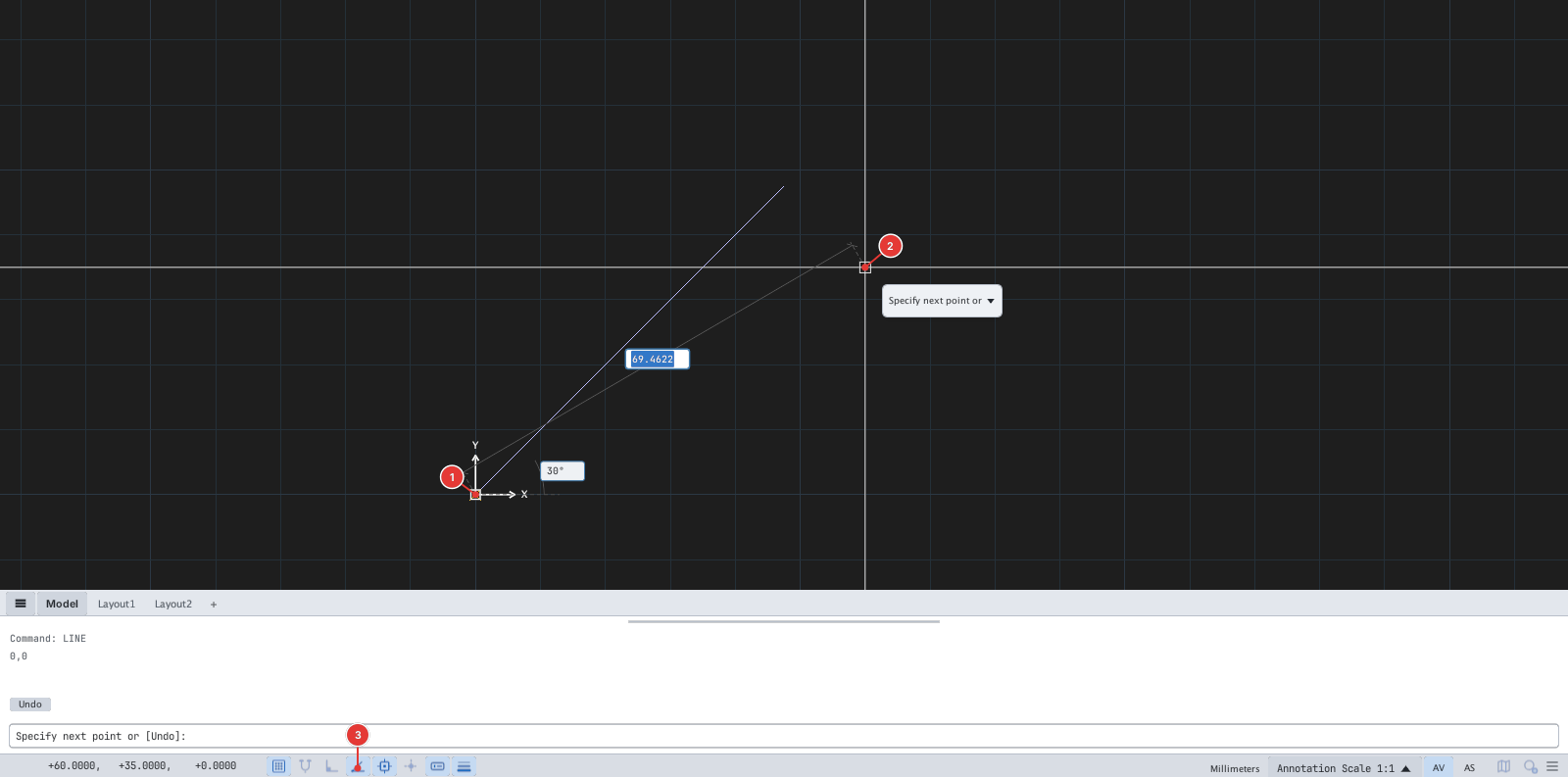
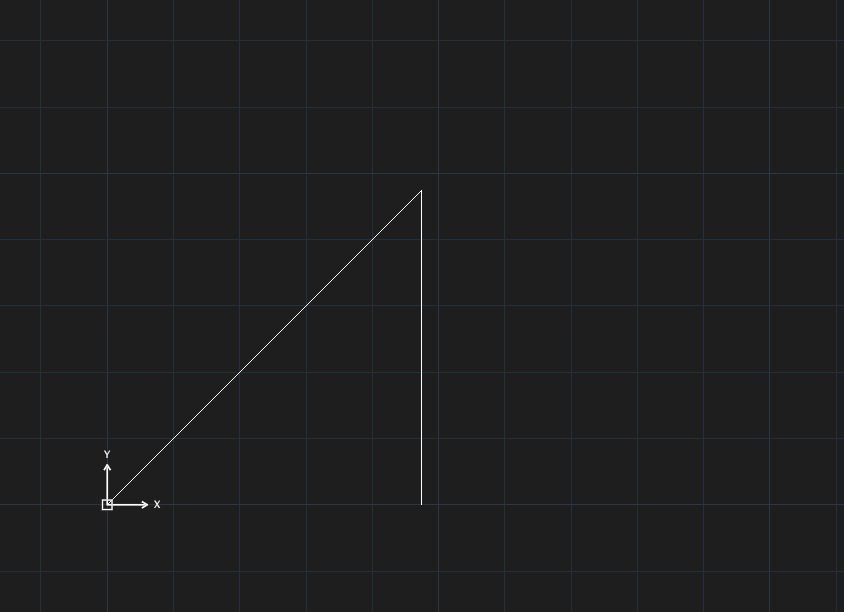
Changing the increment angle
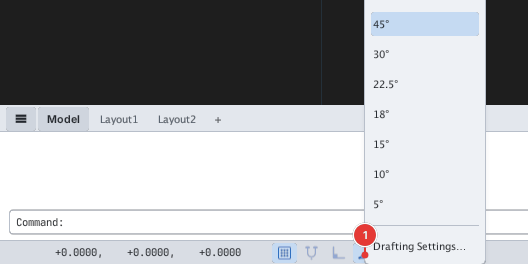
Right-click the Polar button to open the Polar angle increment menu: 90°, 45°, 30°, 22.5°, 18°, 15°, 10°, 5°; choosing one turns Polar on with that angle. Drafting Settings… opens the full dialog.
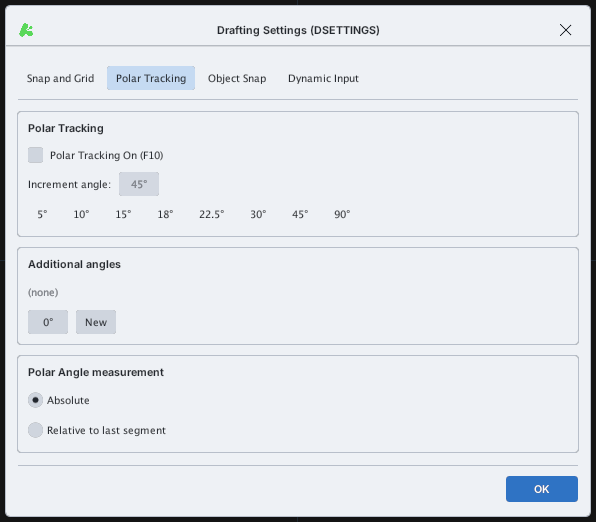
In the Drafting Settings dialog (Polar Tracking tab)
Type DS or DSETTINGS and open the Polar Tracking tab:
| Item | Meaning |
|---|---|
| Polar Tracking On (F10) | Turn Polar on / off |
| Increment angle | The increment; quick buttons 5°, 10°, 15°, 18°, 22.5°, 30°, 45°, 90° |
| Additional angles | A list of extra angles besides the multiples (New adds one) |
| Absolute / Relative to last segment | Measure angles from the X axis, or from the previous segment |
See also: "Ortho", "Direct distance entry".