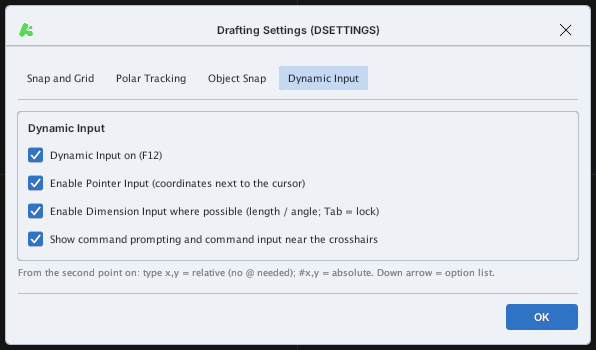
Dynamic Input
Dynamic Input (DYN) shows number boxes right next to the cursor, so you can enter lengths, angles or coordinates without looking down at the command line. Toggle: F12 or the DYN status-bar button (on by default).
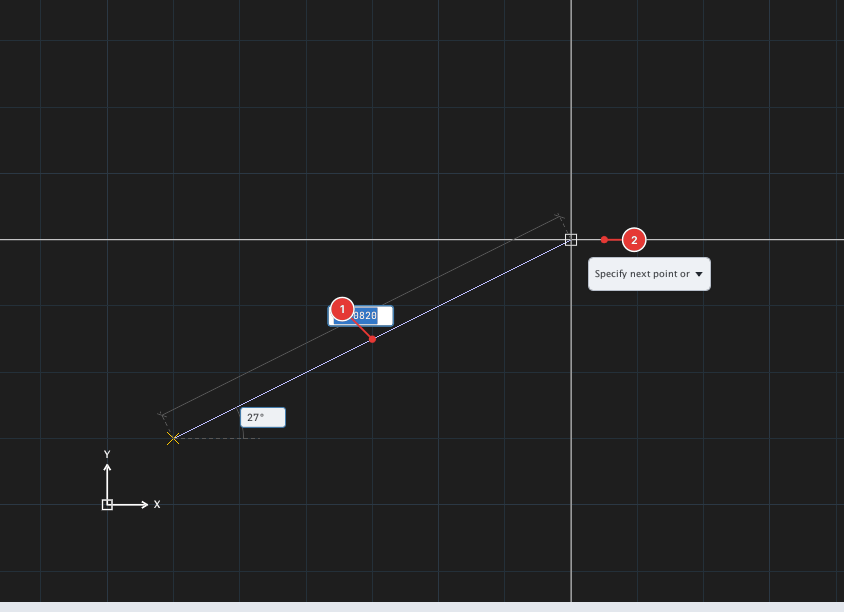
- At the first point: the two boxes are the cursor's X and Y coordinates.
- From the second point: the two boxes are the length and angle from the previous point.
- Type a number in the selected box and press Enter to accept. The down arrow opens the command's option list.
- Coordinate rule: with DYN on,
x,ytyped from the second point on is relative;#x,yis absolute (see "Entering coordinates").
Turning Dynamic Input off
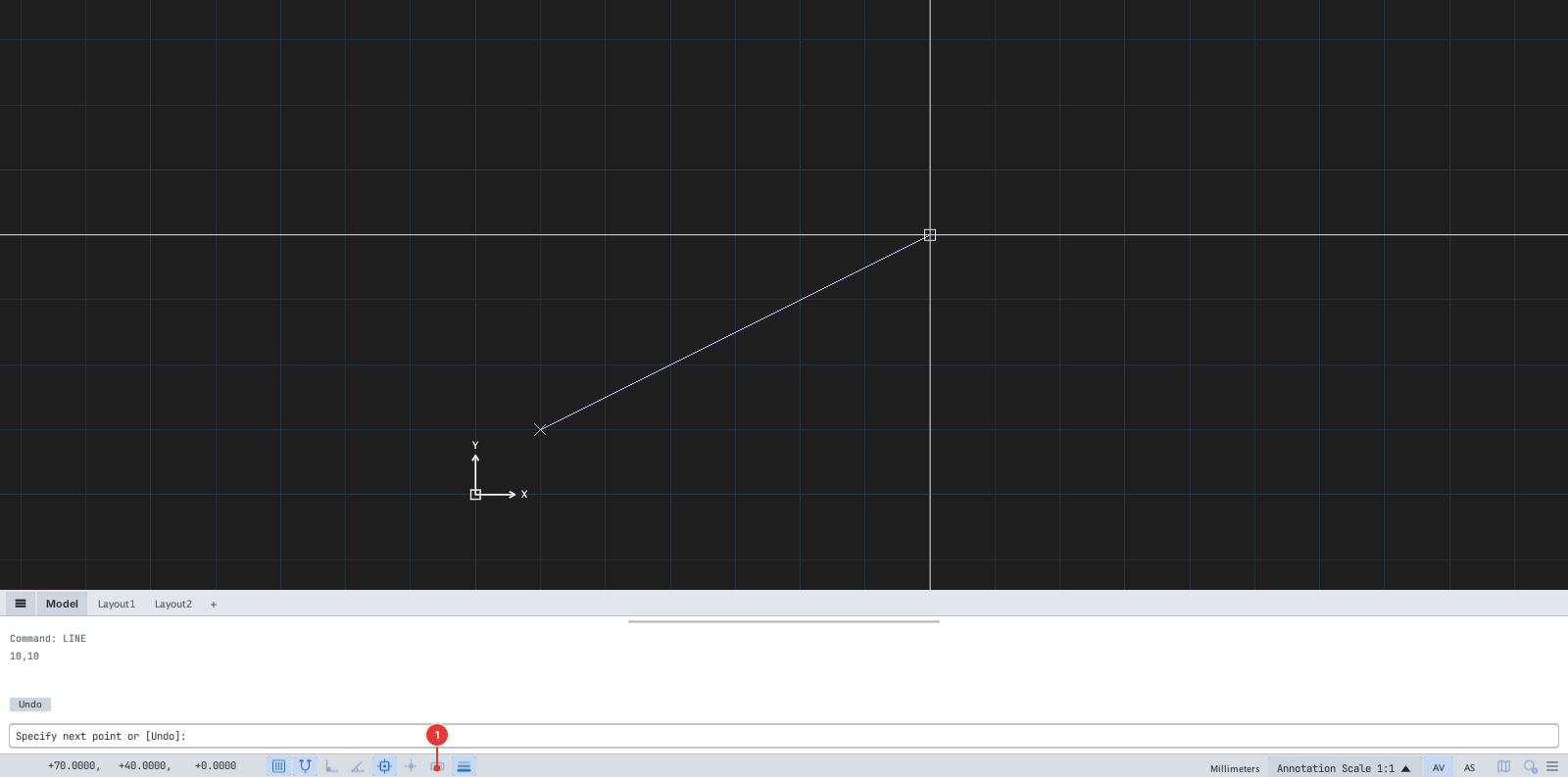
x,y is now always absolute.Settings
Type DS and open the Dynamic Input tab: