Entering coordinates: absolute, relative, polar
Each time a command asks for a point (Specify first point:, Specify next point:…), you can click or type coordinates on the command line and press Enter. Typed coordinates are exact.
Four ways to give a point
| Kind | Syntax | Meaning |
|---|---|---|
| Absolute | x,y or #x,y | Position relative to the origin (0,0) |
| Relative | @dx,dy or dx,dy | Offset dx, dy from the previously picked point |
| Relative polar | @d<a or d<a | d units from the previous point at angle a degrees |
| Length in the mouse direction | type a number d | See the page "Direct distance entry" |
Angles are measured counter-clockwise from the X axis (0° points right, 90° points up), as set by the UNITS command by default.
Important Dynamic Input rule. While Dynamic Input is on (the DYN button on the status bar, on by default), from the second point of a command onward, a typed x,y is taken as relative — no @ needed. To type an absolute point from the second point on, add a #: #x,y. The first point of a command is always absolute. With Dynamic Input off (F12), x,y is always absolute and you need @ for relative coordinates. This rule is printed in the Drafting Settings dialog, Dynamic Input tab.
Absolute
Type x,y. Example: draw a segment from (20,10) to (80,50): L, 20,10, #80,50.
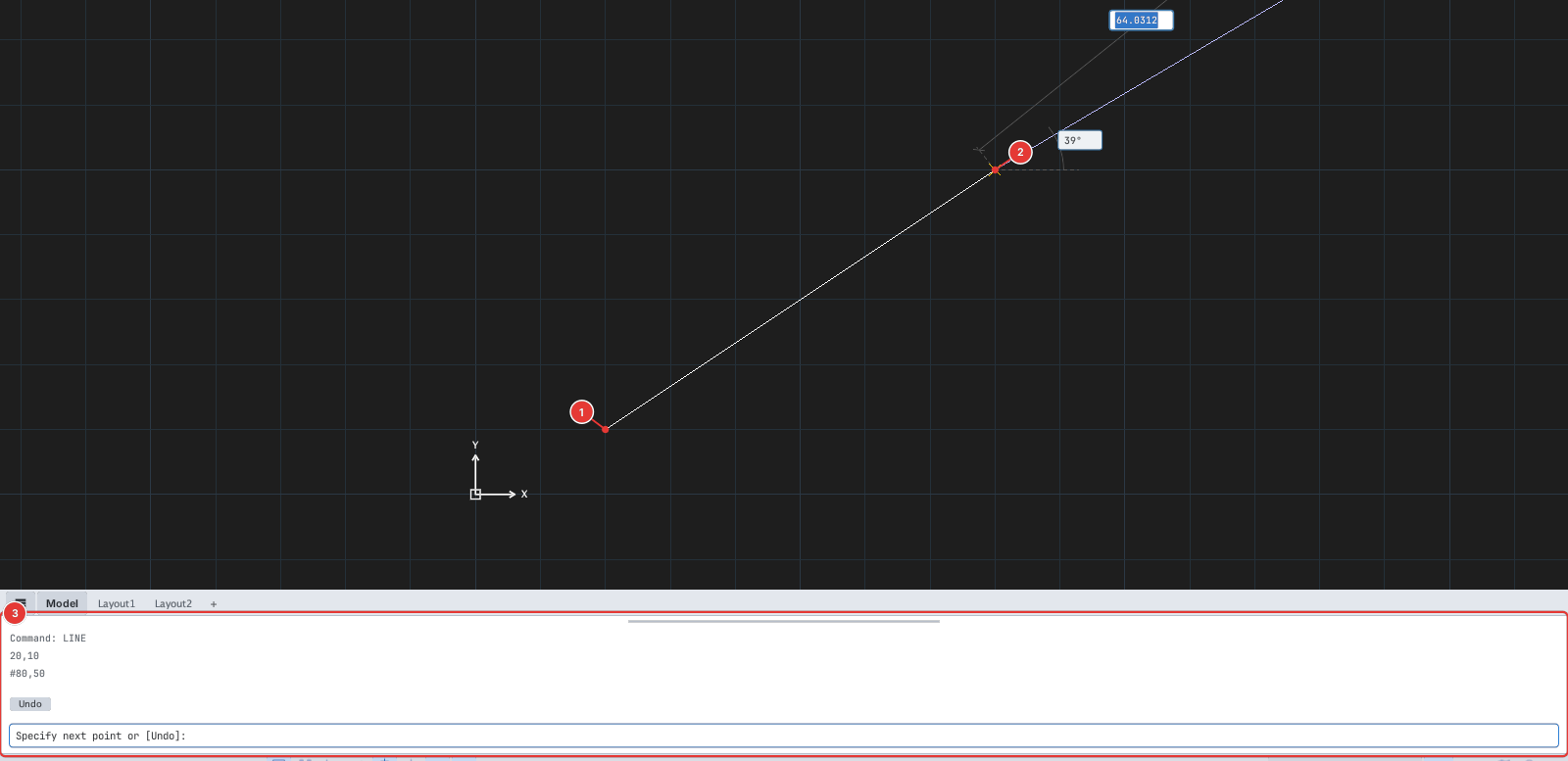
20,10; point 2 typed #80,50. The command line 3 records the values typed.Relative
Type dx,dy (or @dx,dy). New point = previous point + (dx, dy). Example: L, 20,10, 60,40 also ends at (80,50).
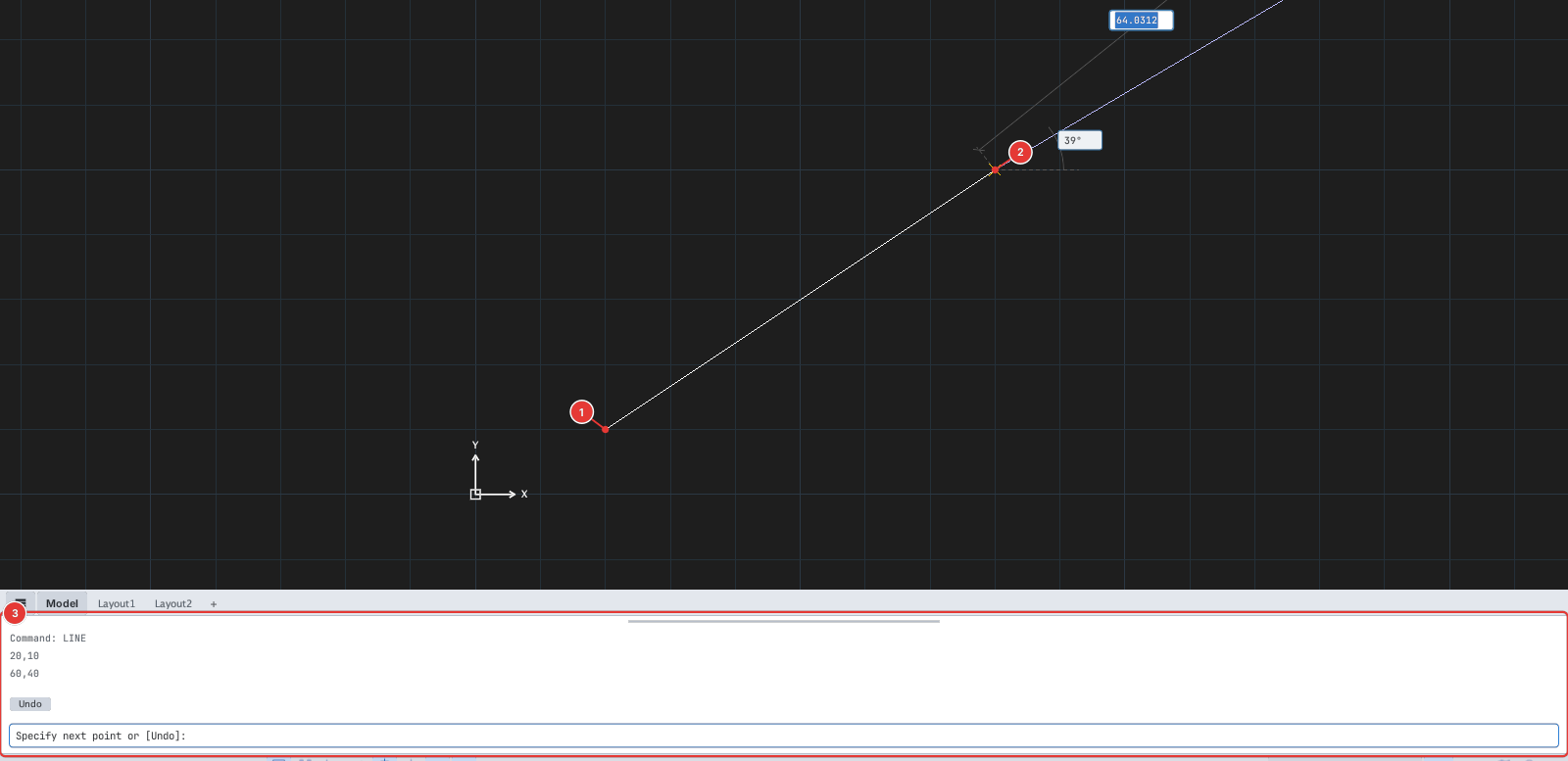
60,40 gives point 2.Relative polar
Type d<a: a length d and an angle a. Example: L, 20,10, 50<30 draws a segment of length 50 at 30° to the X axis.
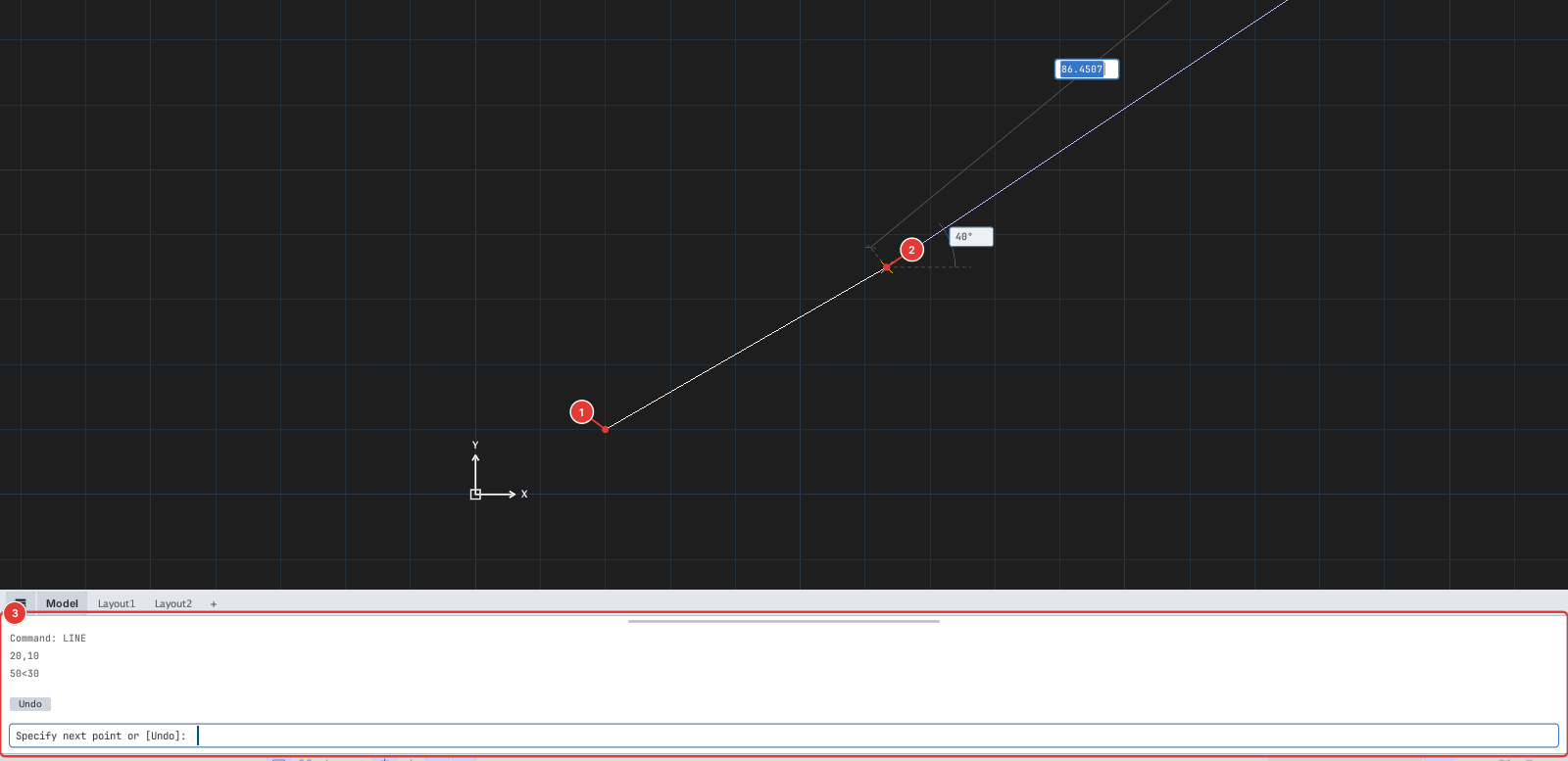
50<30 gives point 2.Example: drawing a shape with coordinates
The sequence L, 10,10, 80,0, 0,50, -40,20, -40,-20, #10,10, Enter draws a five-sided house shape:
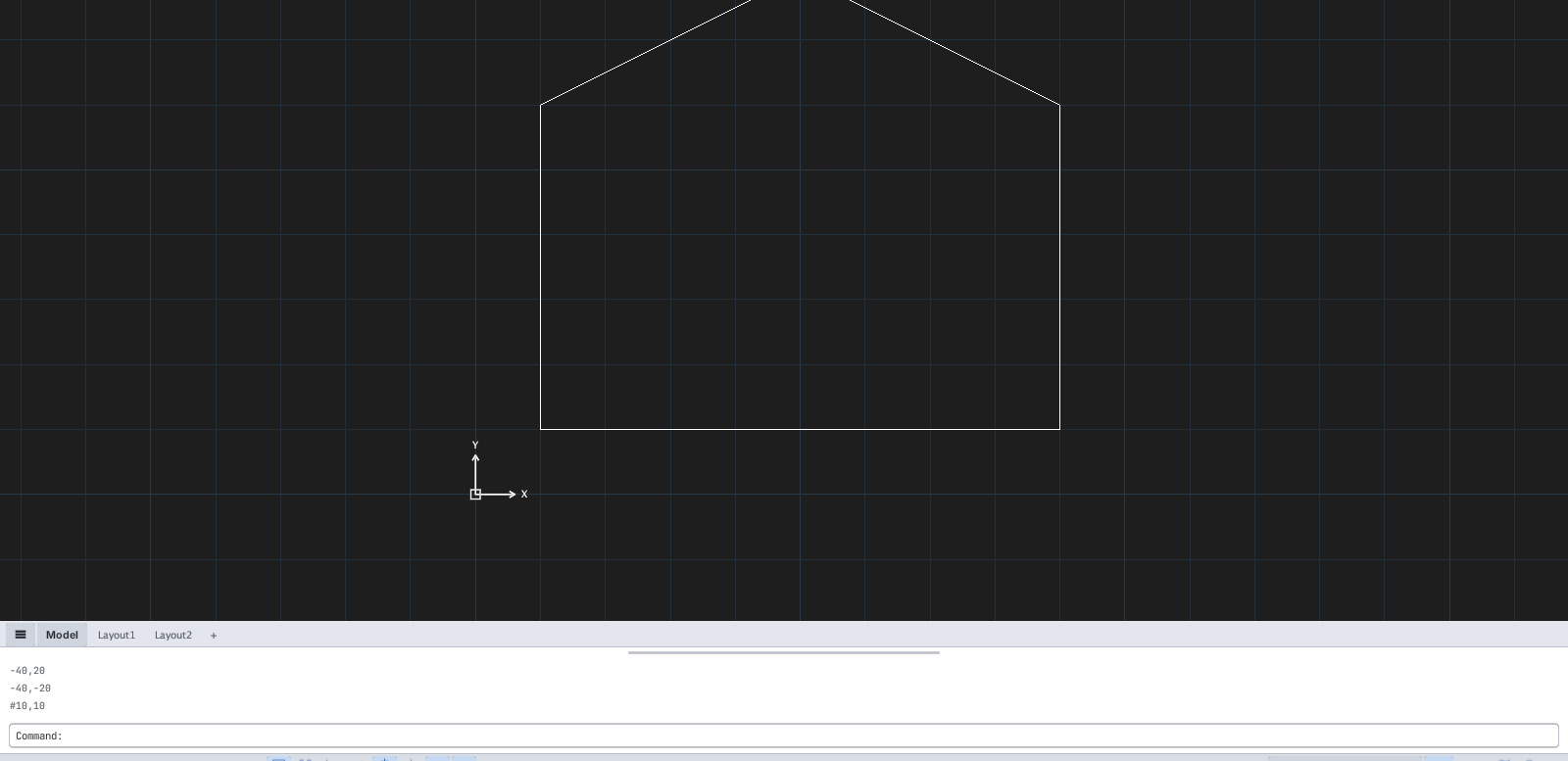
#10,10.The number-first forms (x,y, d<a, dx,dy) are fastest while Dynamic Input is on; if you are used to AutoCAD, the @ prefix still works everywhere.
At every point or object prompt, typed coordinates act like a mouse click at that point — including ID, DIST, AREA, POINT, DONUT, TRIM, OFFSET…