VPCLIP — clip a viewport to any outline
 Command:
VPCLIP
VPCLIP reshapes an existing viewport: only the part of the model inside the outline you draw is shown and plotted. Use it when you need a polygonal viewport but have already drawn a rectangle.
It only works on a layout tab.
- Type
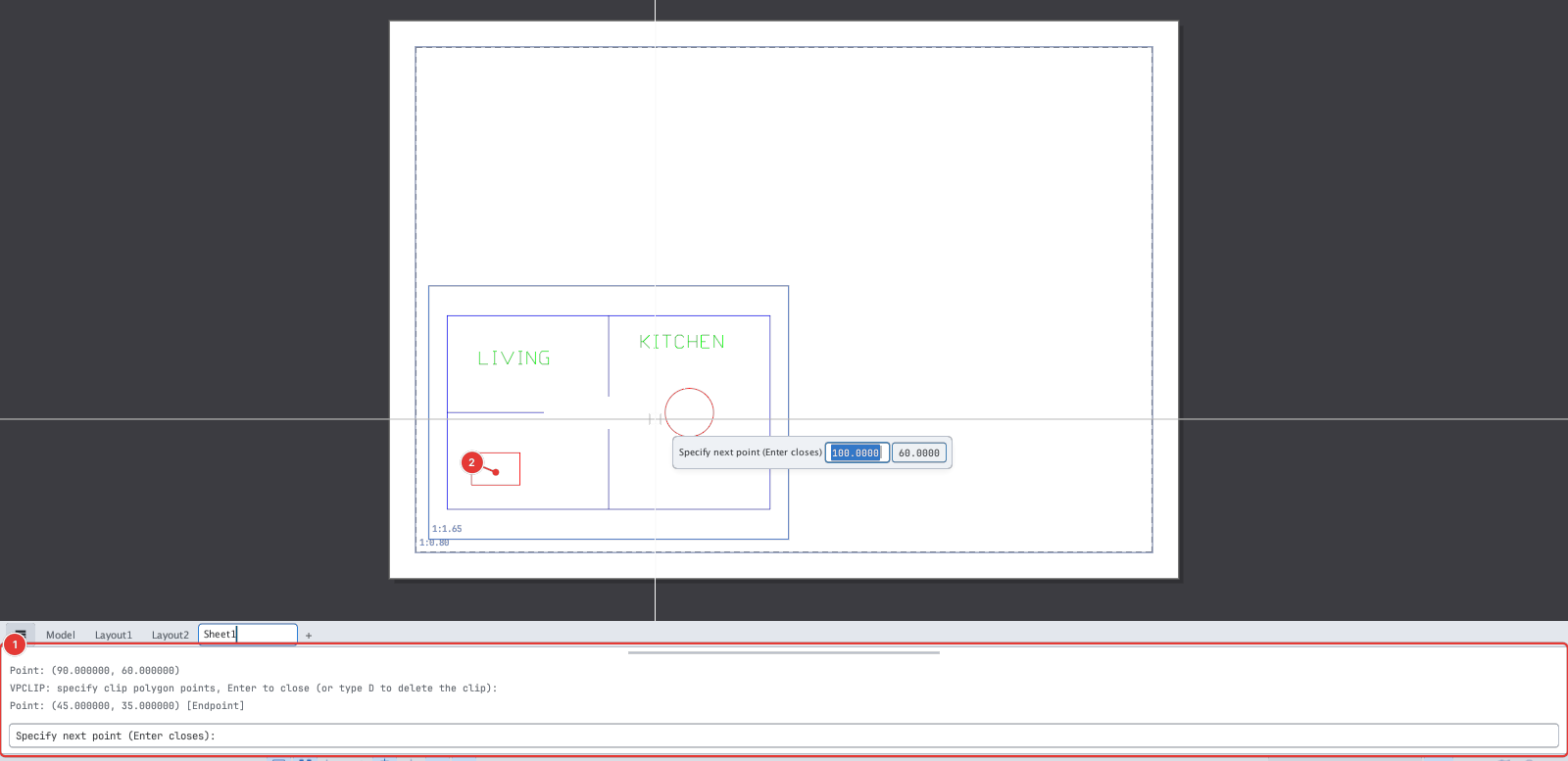
VPCLIP, Enter. The prompt:Select viewport to clip: - Click inside the viewport to clip 2.
- The command line 1 asks
VPCLIP: specify clip polygon points, Enter to close (or type D to delete the clip):. Click the vertices of the outline in turn. - Press Enter (or type
C) to close the outline. You need at least 3 vertices.
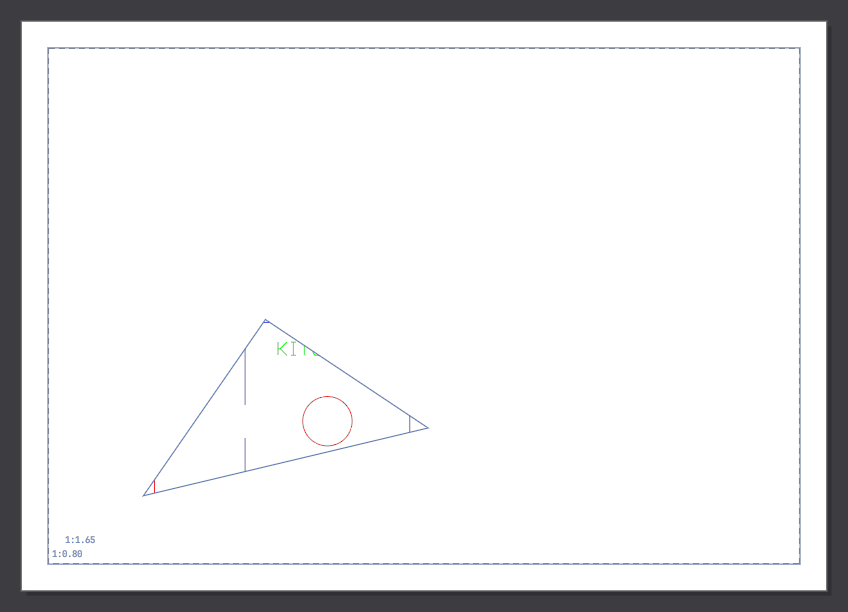
Removing the clip: type VPCLIP, pick the viewport, then type D — the viewport goes back to its rectangle.
To get a custom shape from the start use MVIEW ▸ P (polygon) or O (from an object) — see MVIEW.