XREF — External references
 Ribbon: Insert ▸ Reference ▸ Attach / BindCommand:
XATTACH, XREF, XBIND, XCLIPAlias: XA, XR
An external reference (xref) shows another drawing without copying it into the current one; edit the source drawing and the xref updates when reloaded.
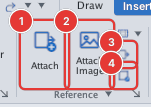
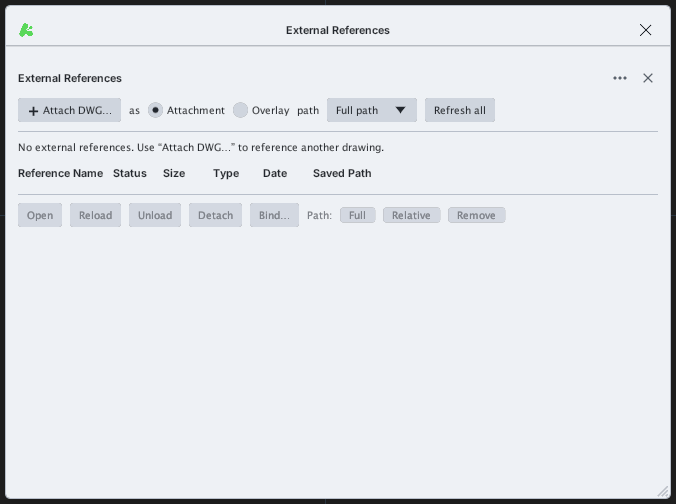
XREF): Attach DWG…, Attachment / Overlay, the path type (Full path …), Refresh all, the list and the buttons Open / Reload / Unload / Detach / Bind….- Click Attach (
XATTACH) or Attach DWG… in the palette. The system file chooser opens to pick a DWG / DXF. - The drawing is attached at (0,0) and the view zooms to it; the command line reports
Attached xref '…' at (0,0). - Select the xref row in the palette and use Reload, Unload, Detach, Bind… (merge into the drawing), Open (open the source drawing), Full / Relative / Remove (saved path type).
About every 2 seconds the program checks the source files; if an xref changed the command line says External reference has changed … reload from the External References palette.
When FILEDIA = 0 (or from a script), XATTACH asks Enter file name: so you can type the drawing path instead of using the file dialog. The command line reports for example Attached xref 'xref_window' at (0,0).
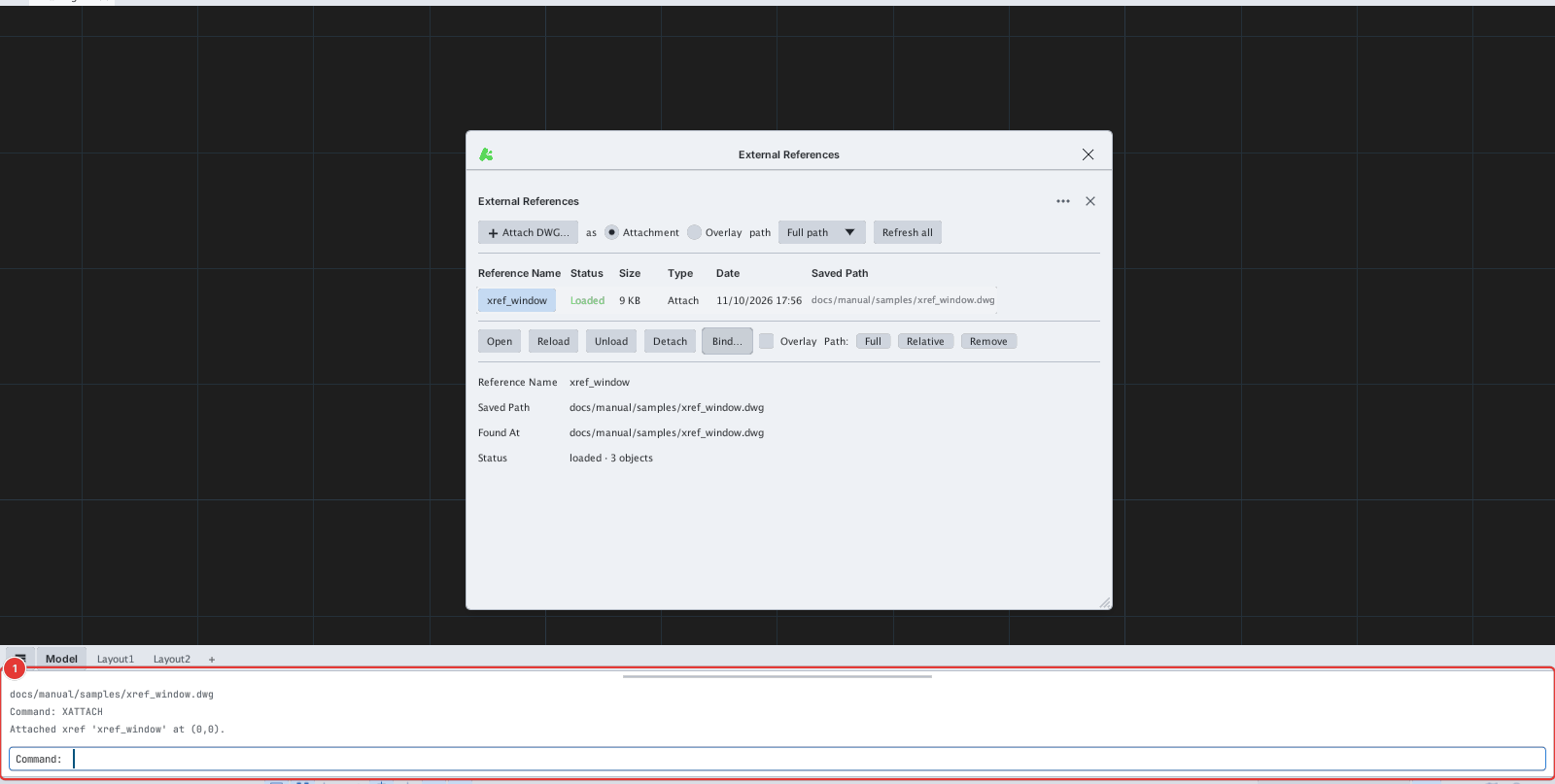
XATTACH with a typed path: xref_window.dwg is attached at (0,0); the command line 1 reports the result.