ATTEDIT, EATTEDIT, BATTMAN, ATTSYNC — Edit attributes
 Ribbon: Insert ▸ Block DefinitionCommand:
ATTEDIT, EATTEDIT, BATTMAN, ATTSYNCAlias: ATE
EATTEDIT — edit values in one insertion
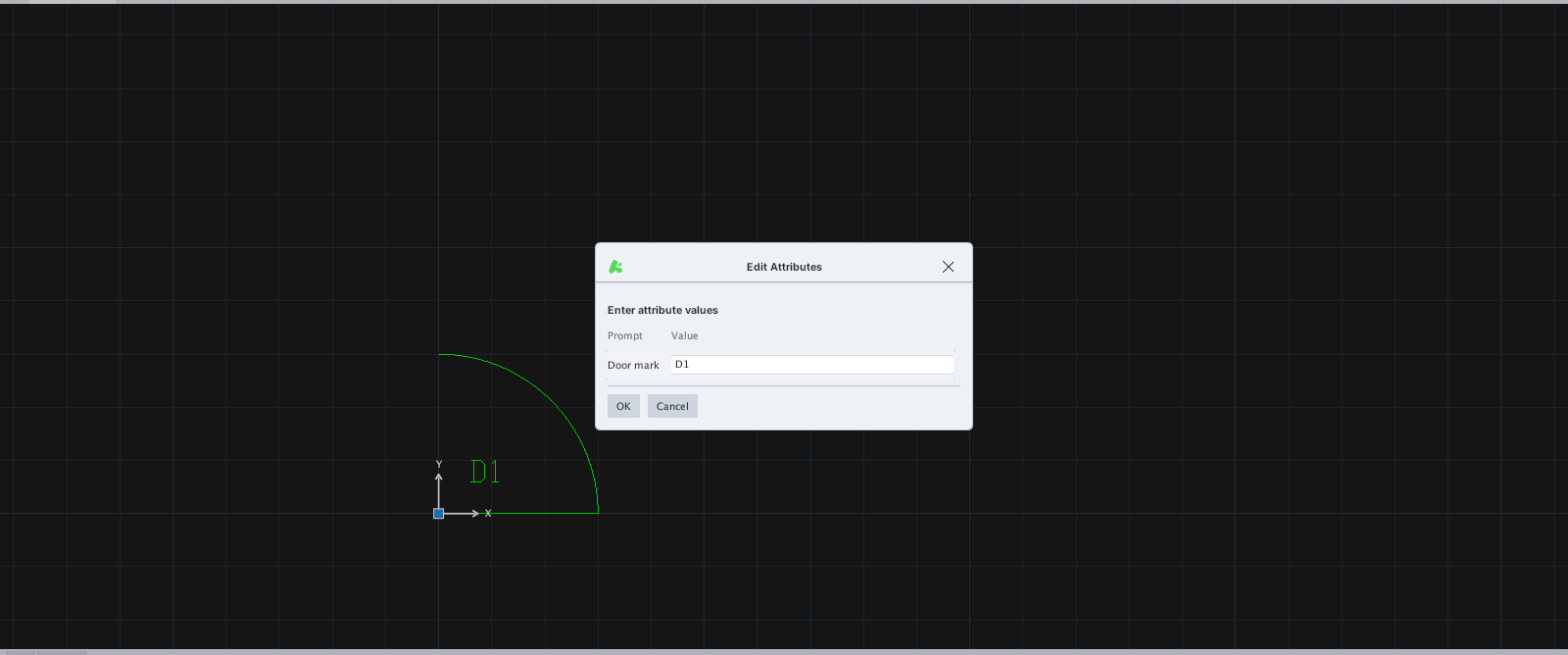
- Insert a block with attributes using INSERT.
- Type
EATTEDIT, Enter, click the block. - Edit the Value box and click OK.
ATTEDIT
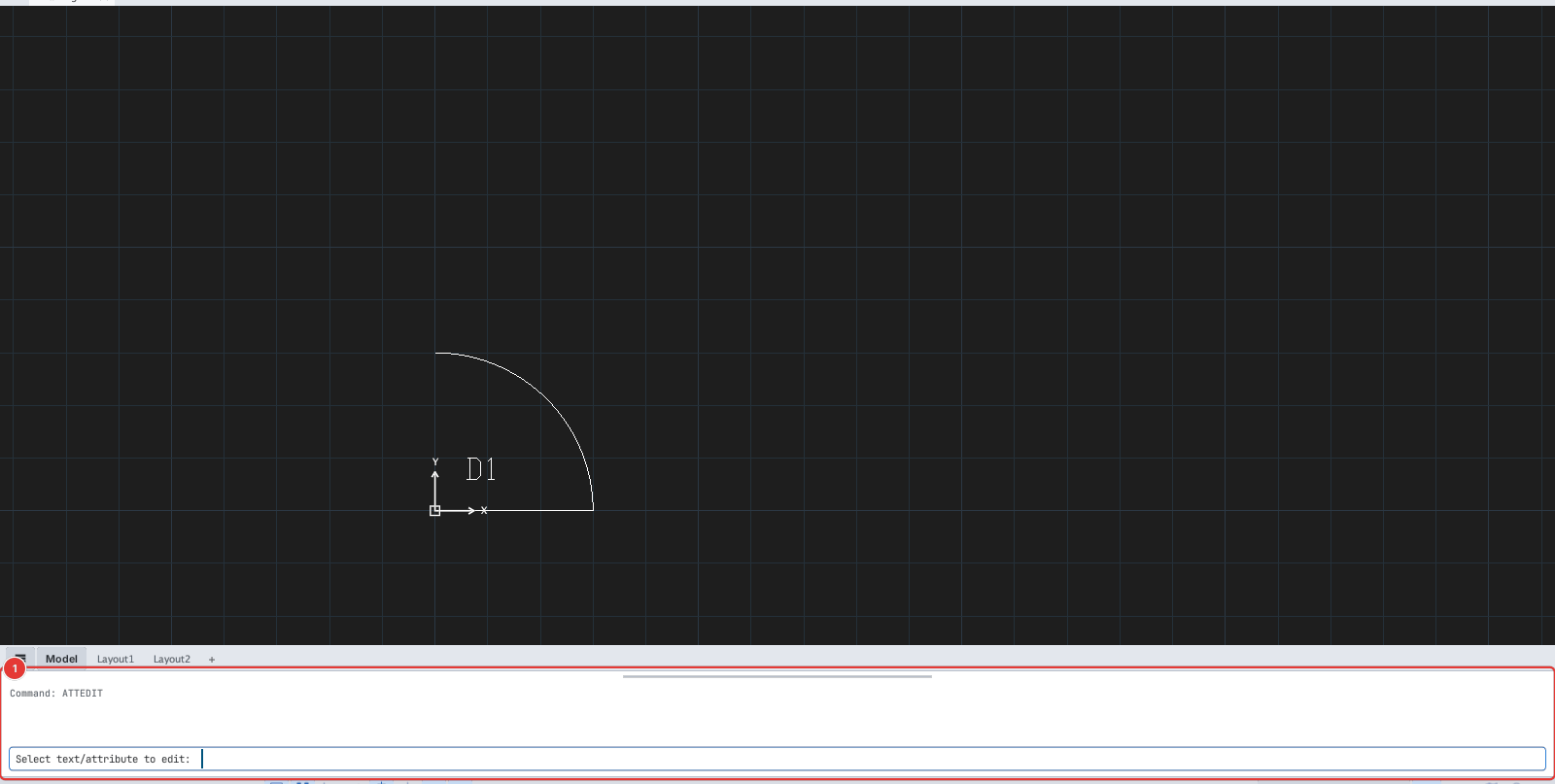
Type new text:).BATTMAN — edit attribute definitions
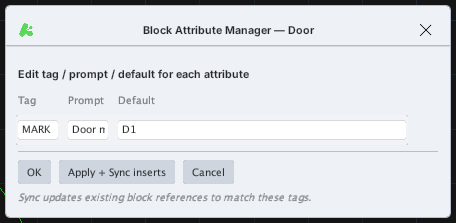
- Select one insertion of the block (
BATTMAN: select a block reference first.if nothing is selected). - Type
BATTMANor click Attribute Manager. - Edit, then click OK or Apply + Sync inserts.
ATTSYNC
ATTSYNC (the Synchronize button) updates existing insertions to match the block's current attribute definitions.