PURGE — Remove unused items
 Ribbon: Manage ▸ Cleanup ▸ PurgeCommand:
PURGEAlias: PU
PURGE removes layers, blocks, text styles and dimension styles that nothing uses, making the drawing lighter.
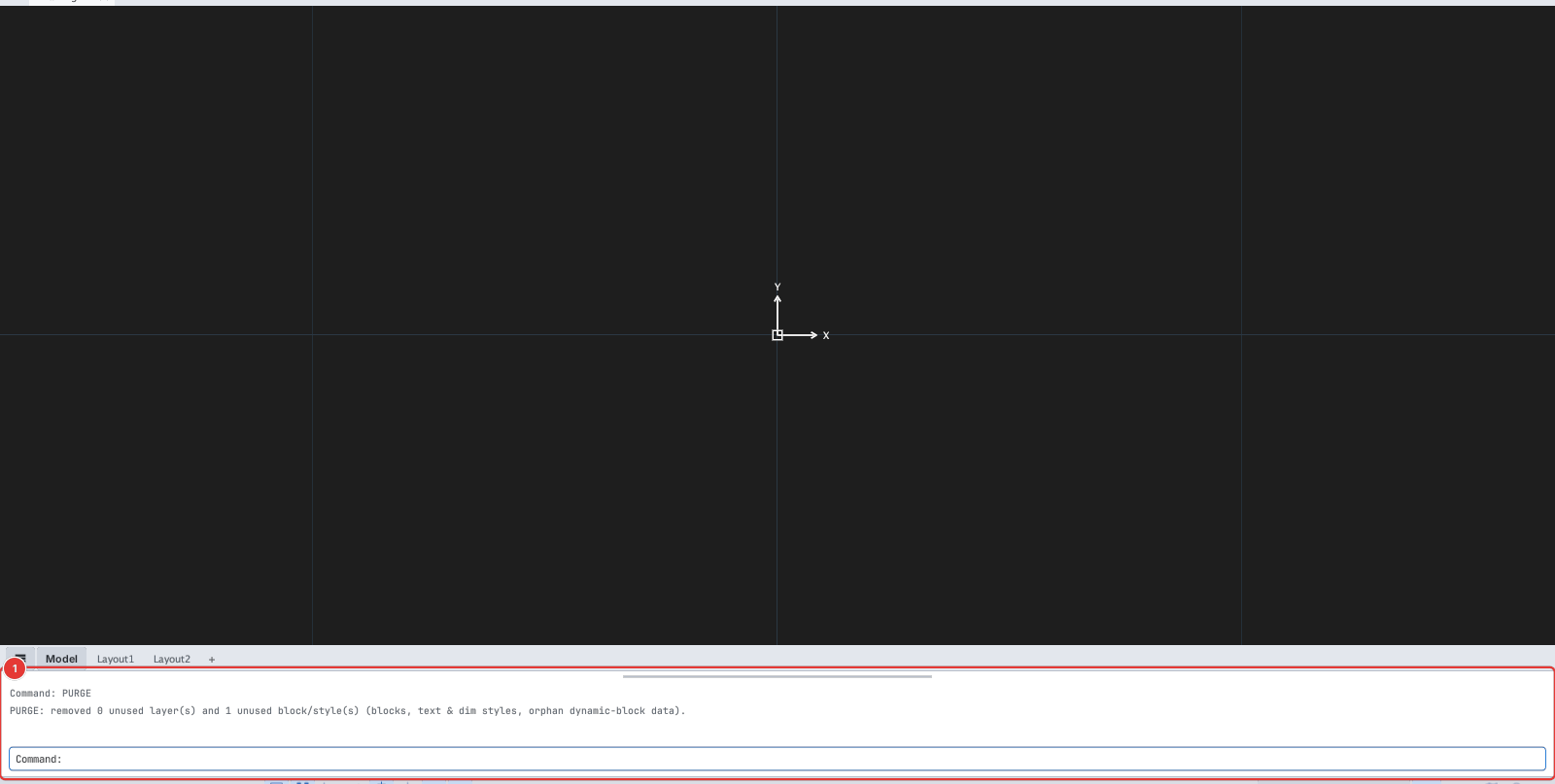
PURGE: removed N unused layer(s) and M unused block/style(s).PURGE runs at once, with no dialog and no per-item questions. Use U or Ctrl+Z to undo.