WBLOCK — Write block to file
 Ribbon: Insert ▸ Block ▸ Write BlockCommand:
WBLOCKAlias: W
WBLOCK saves the selected objects — or the whole drawing when nothing is selected — as a separate file you can insert elsewhere.
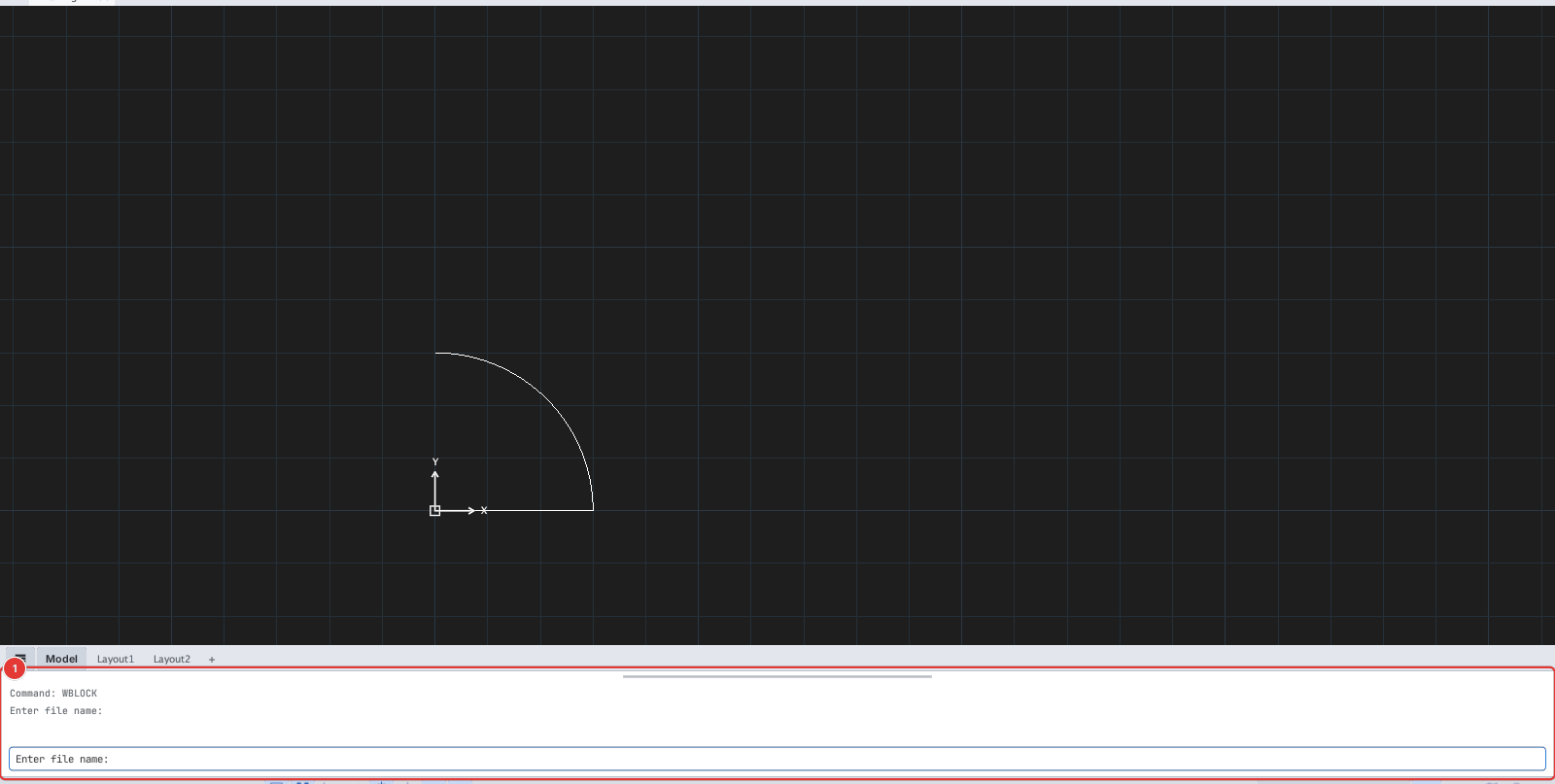
- Select the objects to write (or skip to write the whole drawing).
- Click Write Block or type
W, Enter. The system file chooser opens; when run from a script the prompt isEnter file name:and you type the path. - The
.dwgor.dxfextension decides the file format.
The AutoCAD-style WBLOCK dialog (Block / Entire drawing / Objects) is not available: the command only asks for the file name.