BLOCK — Create a block
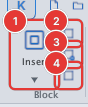
 Ribbon: Insert ▸ Block ▸ Create BlockCommand:
BLOCKAlias: B
A block is a named group of objects that you reuse with INSERT. Edit the block definition and every insertion changes.
Before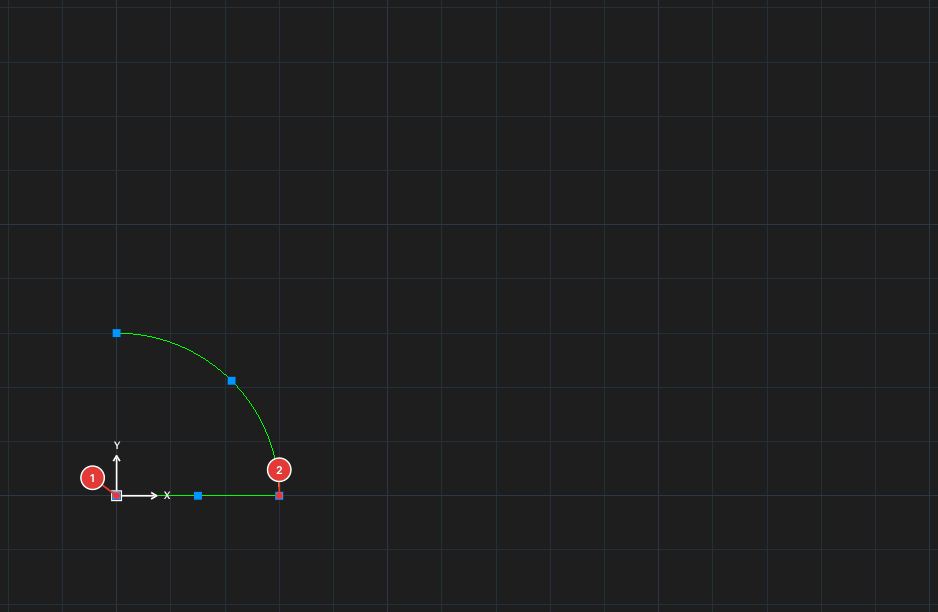
→
After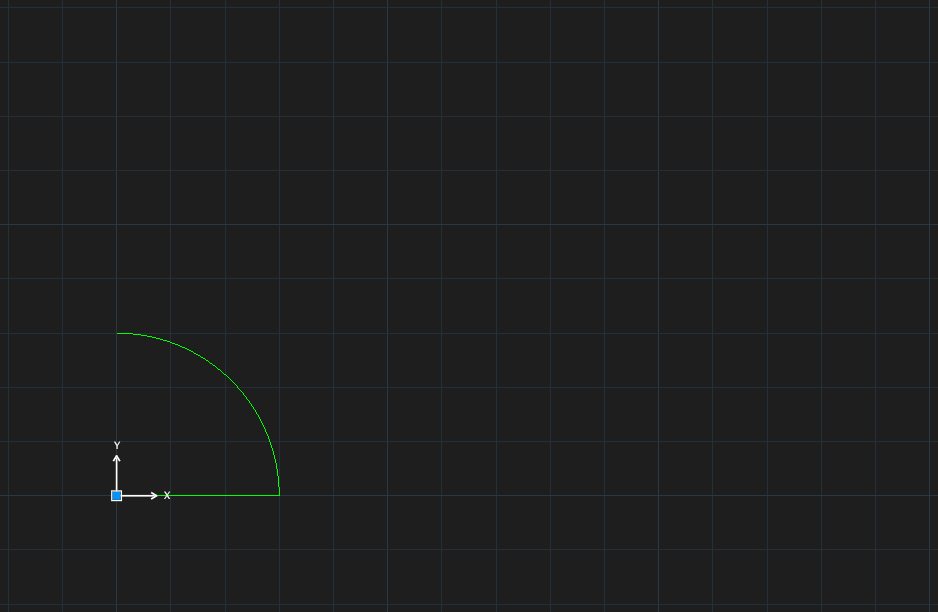
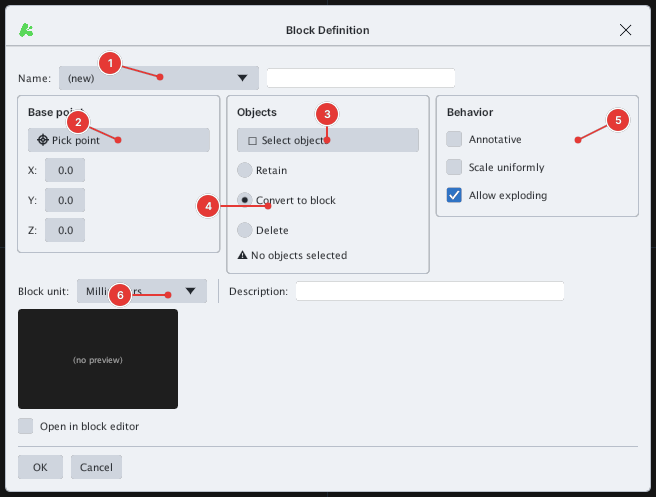
- Select the objects (or select later), click Create Block or type
B, Enter. - Type the block name in the box next to the Name list.
- Click Pick point and click the block base point (
Specify insertion base point:); it is the grab point when inserting. - Click Select objects and pick the objects. Choose one of: Retain (keep loose objects), Convert to block (replace by one insertion), Delete.
- Set Behavior: Annotative, Scale uniformly, Allow exploding; Block unit and Description.
- Click OK.
The command-line form -BLOCK opens the same dialog. With nothing selected the command reports Nothing selected - select object(s) first.
The Open in block editor box opens BEDIT on the block you just made.