MINSERT — Multiple insert
 Ribbon: Insert ▸ Block ▸ Insert ▸ Multiple InsertCommand:
MINSERT
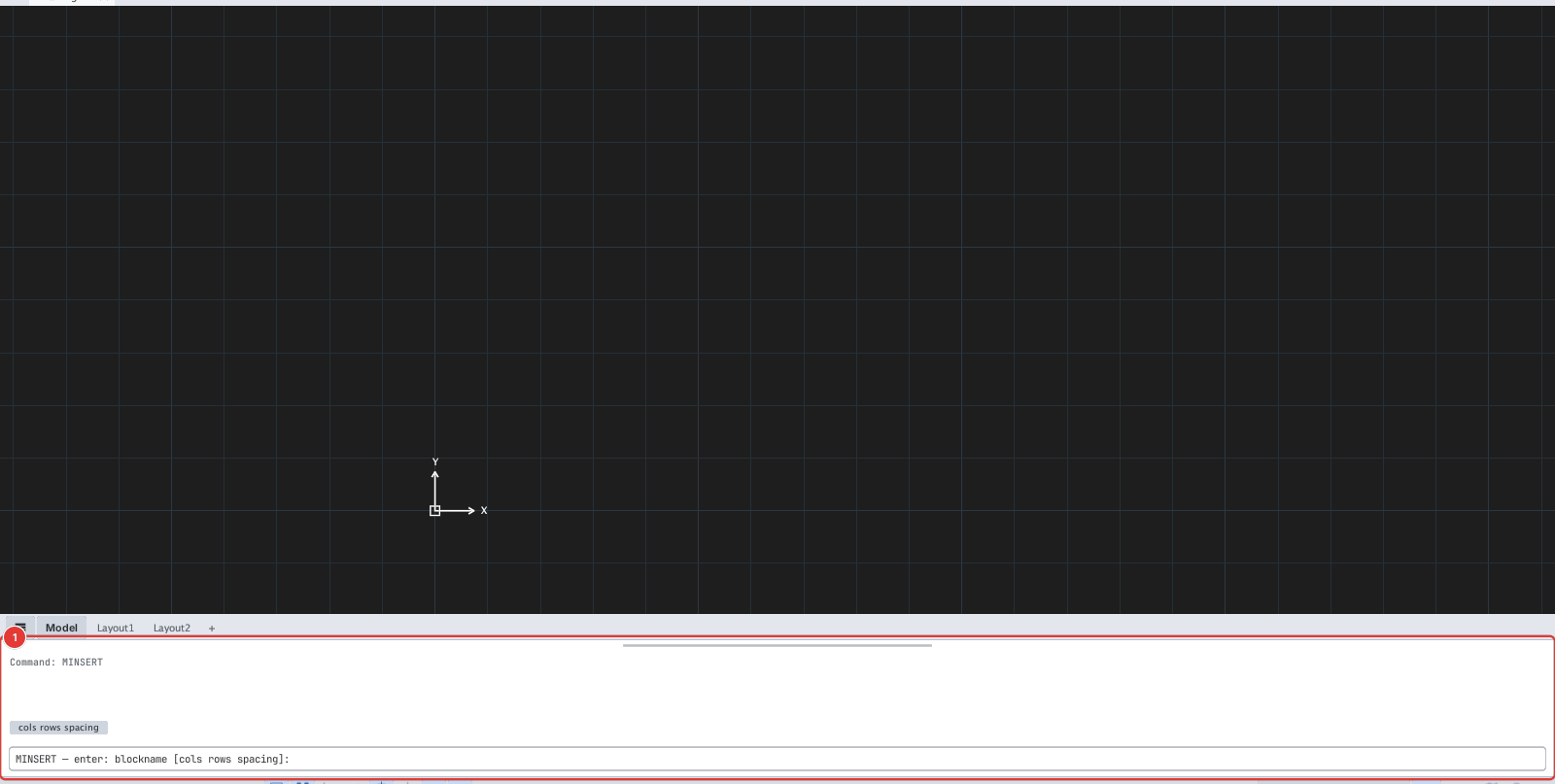
- Type
MINSERT, Enter. MINSERT — enter: blockname [cols rows spacing]:— type one line, for exampleDoor 3 2 40(block Door, 3 columns, 2 rows, spacing 40).- Click the insertion point of the lower-left copy (
Specify insertion point or [Basepoint/Scale/Rotate]:).
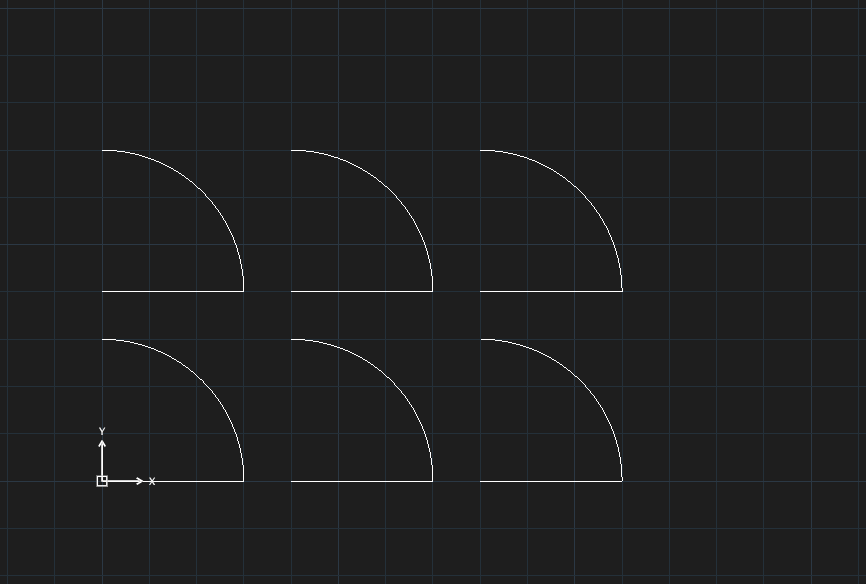
Door 3 2 40: 3 columns × 2 rows.