ATTDEF — Define attributes
 Ribbon: Insert ▸ Block Definition ▸ Define AttributesCommand:
ATTDEFAlias: ATT
An attribute is text attached to a block; each insertion has its own value (number, name, price…). Define the attribute, then include it in the block with the geometry.
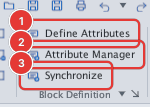
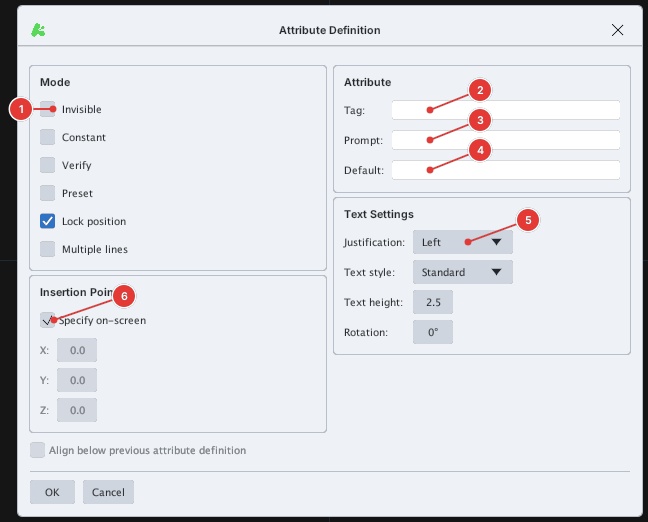
| Item | Meaning |
|---|---|
| Invisible | Value not displayed |
| Constant | Fixed value, not asked on insert |
| Verify / Preset | Ask twice to confirm / preset the value |
| Lock position | Lock the position inside the block |
| Multiple lines | Multi-line attribute |
| Tag | Attribute name (no spaces) |
| Prompt | Question shown on insert |
| Default | Default value |
| Justification, Text style, Text height, Rotation | Text format of the attribute |
- Type
ATT, Enter. - Fill in Tag, Prompt, Default and choose Mode and the text format.
- Click OK, then click where the attribute goes (
Specify start point:). - Create the block with BLOCK including both geometry and attribute.
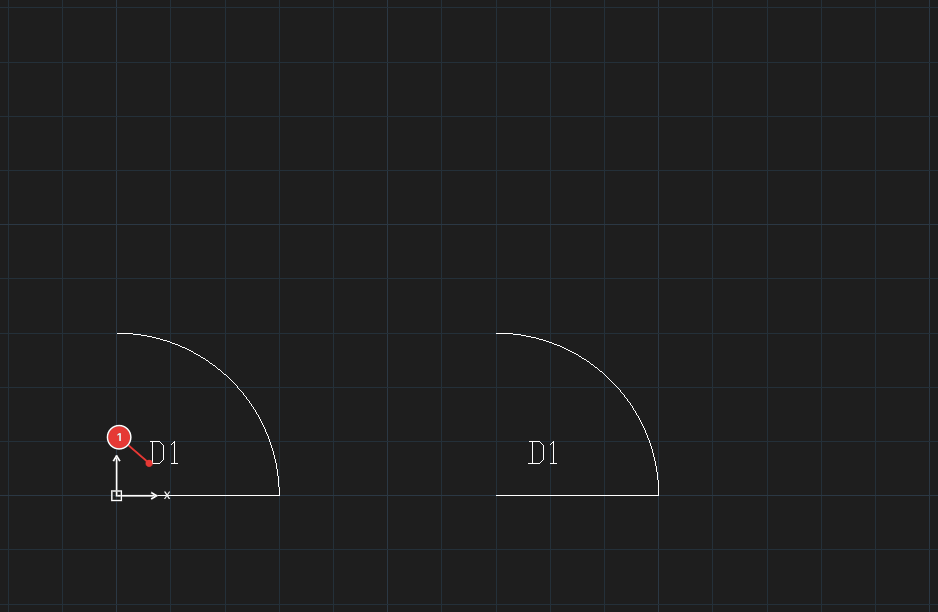
Door with attribute MARK; the text D1 1 is the default value.On the command line -ATTDEF also opens this dialog.