EXPLODE — Explode a block
 Ribbon: Draw ▸ Modify ▸ ExplodeCommand:
EXPLODEAlias: X
Before
→
After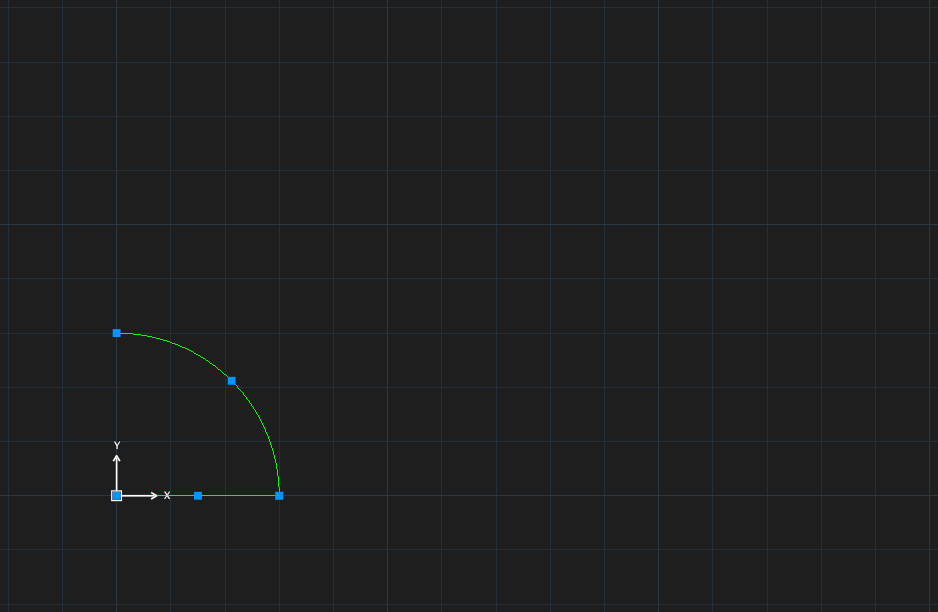
- Type
X, Enter (EXPLODE — Select objects [W/C/WP/CP/F/ALL/L/P/R/A/U]:). - Select the references (you can type
ALL), press Enter.
A block made with Allow exploding off cannot be exploded. The block definition itself is unchanged — only that reference is broken up.