IMAGEATTACH — Raster images
 Ribbon: Insert ▸ Reference ▸ Attach ImageCommand:
IMAGEATTACH, IMAGECLIP, IMAGEADJUSTAlias: IM, ICL
IMAGEATTACH places a raster picture on the drawing as a background or illustration.
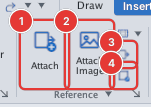
- Click Attach Image or type
IM, Enter; choose the picture in the system file dialog. - The picture is placed at the centre of the view, about 40% of the view width, and stays selected; the command line says
use MOVE/SCALE/grips to adjust; Properties for Embed/opacity. - Use MOVE, SCALE or grips to adjust;
IMAGETRANSP(Enter transparency mode [ON/OFF] <OFF>:) switches transparency;IMAGECLIPclips the picture to a boundary.
When FILEDIA = 0 (or from a script), IMAGEATTACH asks Enter file name: so you can type the image path. The image is placed at the centre of the view and stays selected; the command line shows the file name and pixel size. There is no PDF attach command (PDFATTACH).
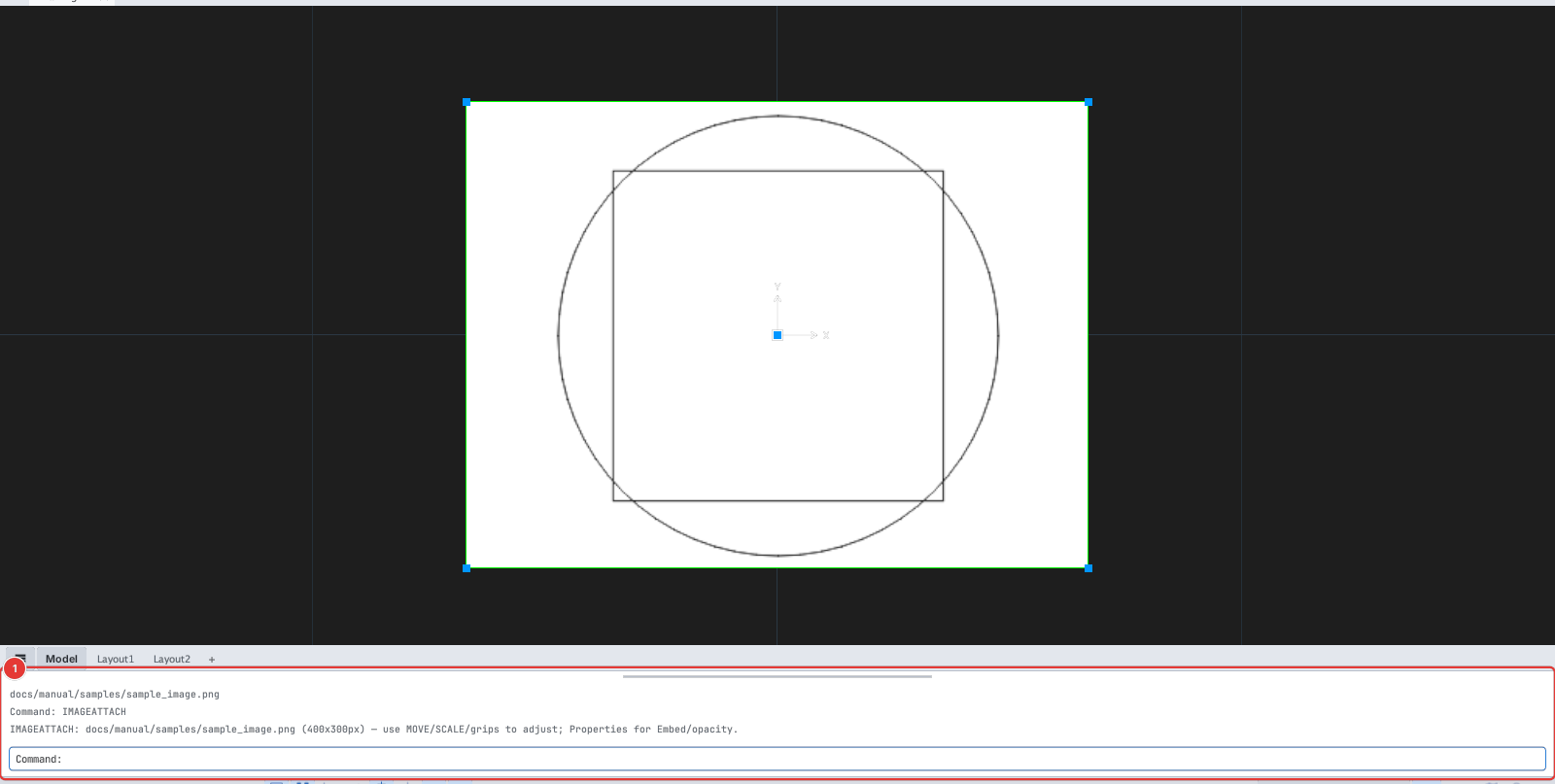
IMAGEATTACH with a typed path: the 400×300 px image is placed at the centre of the view and selected (grips at the four corners and the centre); the command line 1 shows the file name and size.