Options and aliases
 Ribbon: Manage ▸ Application / CustomizationCommand:
OPTIONS, DSETTINGS, ALIASEDITAlias: OP, DS
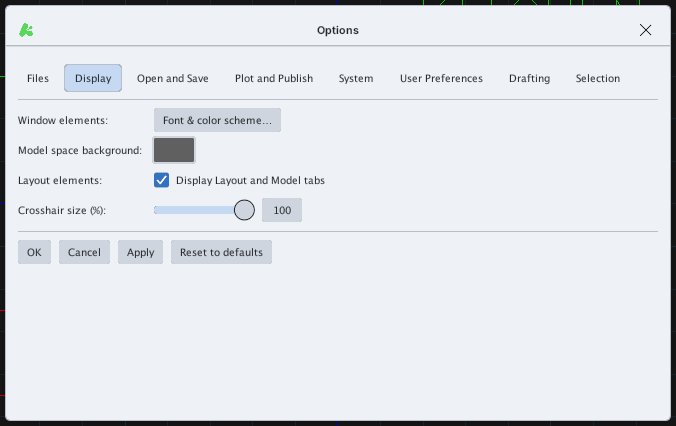
OPTIONS
OPTIONS opens the Options dialog with the tabs Files, Display, Open and Save, Plot and Publish, System, User Preferences, Drafting, Selection. OK, Cancel, Apply and Reset to defaults are at the bottom.
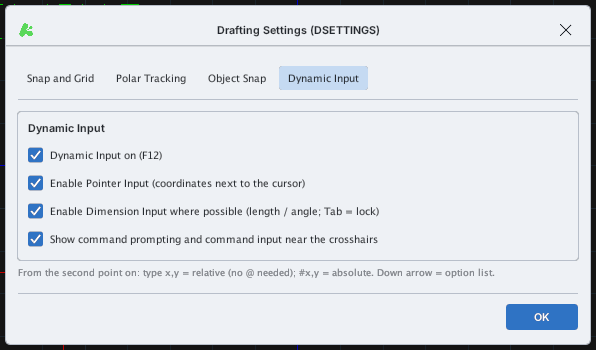
DSETTINGS
DSETTINGS opens Drafting Settings with the tabs Snap and Grid, Polar Tracking, Object Snap, Dynamic Input: Snap (F9), Grid (F7), Ortho (F8), grid / snap spacing, angle, adaptive grid…
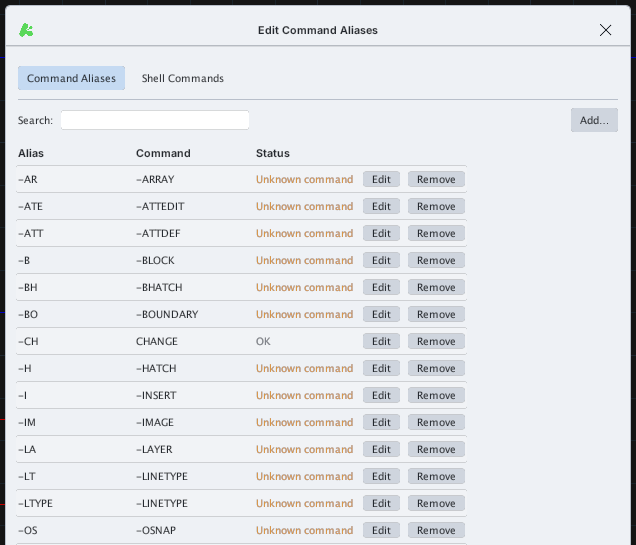
ALIASEDIT
ALIASEDIT opens Edit Command Aliases: the table of shortcut aliases (for example L = LINE). Search filters the list; Add… adds an alias; Edit / Remove change or delete a row; Status says OK or Unknown command when the target command does not exist. The Shell Commands tab is for external commands. The dialog ends with Export…, Import… (.pgp file), Restore Defaults, Apply, Cancel, OK. The Reload Aliases ribbon button reloads the alias file.