Display
 Ribbon: View ▸ Interface / DisplayCommand:
CLEANSCREEN, UCSICON, GRID, FILL, LWDISPLAYAlias: F7
CLEANSCREEN
CLEANSCREEN (or Ctrl+0) hides the ribbon and palettes for the largest drawing area; type it again to restore. The command line says CLEANSCREEN = ON (Ctrl+0 toggles ribbon/palettes).
Before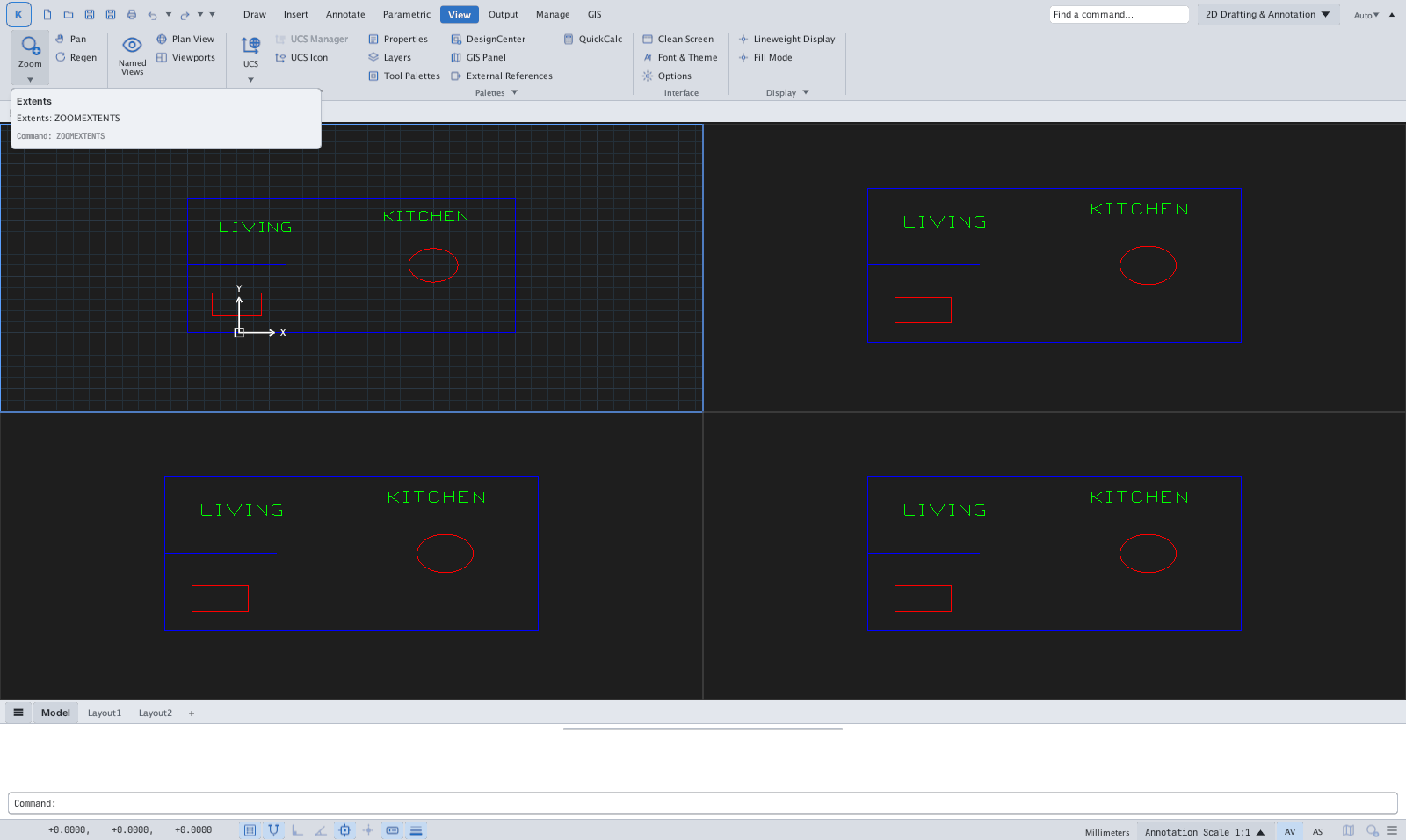
→
After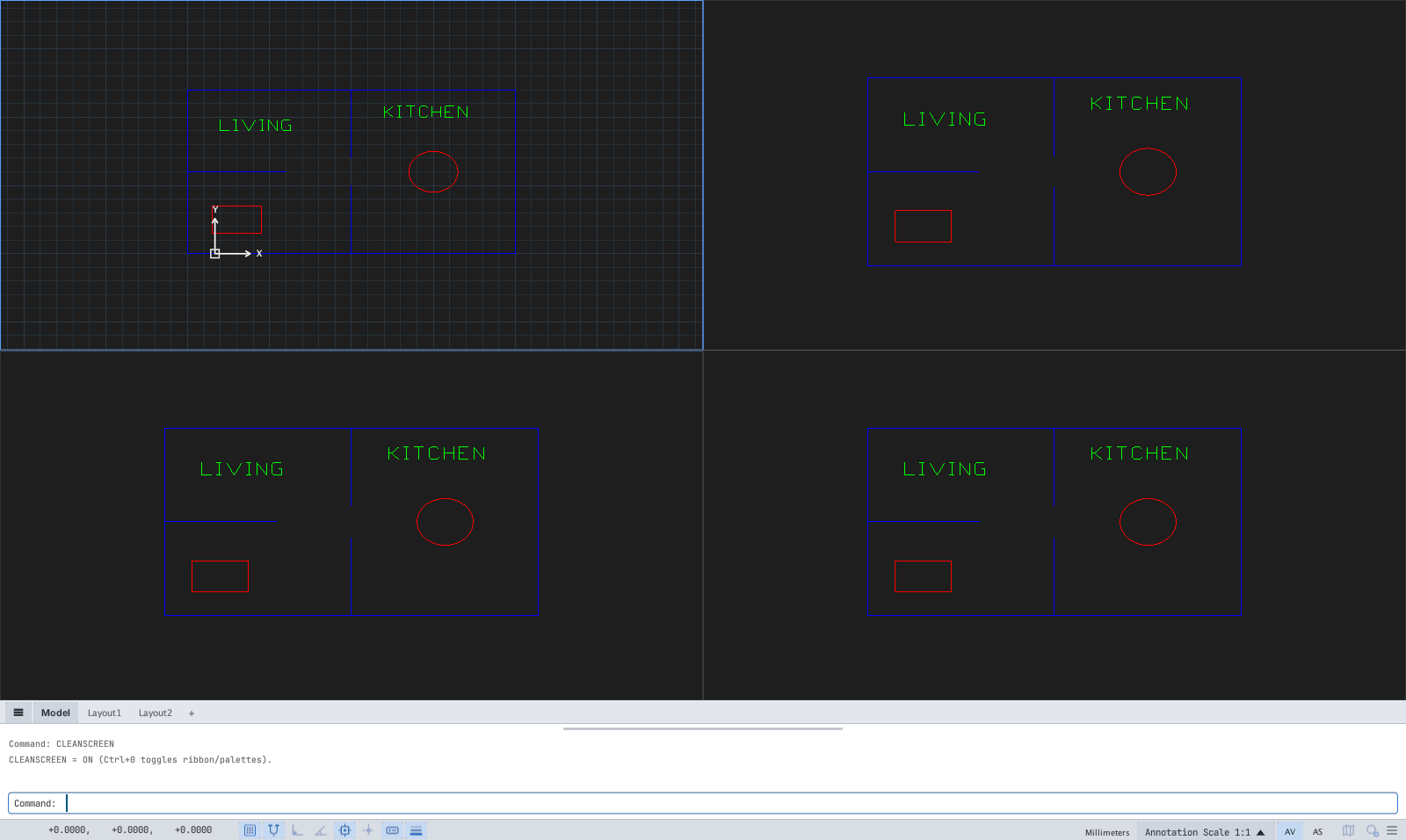
CLEANSCREEN.UCSICON
UCSICON toggles the UCS icon in the drawing corner; the UCS Icon button on the View tab does the same.
On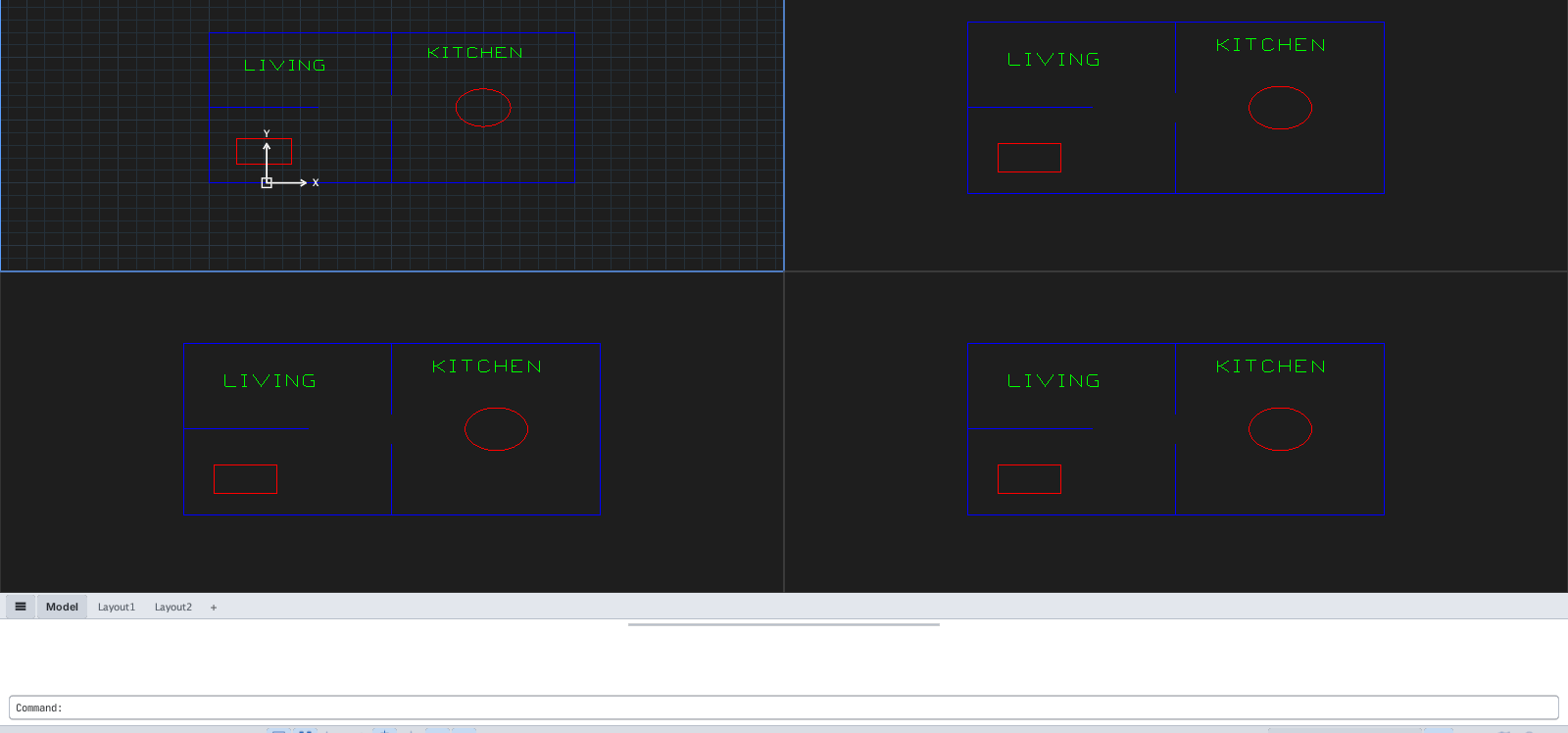
→
Off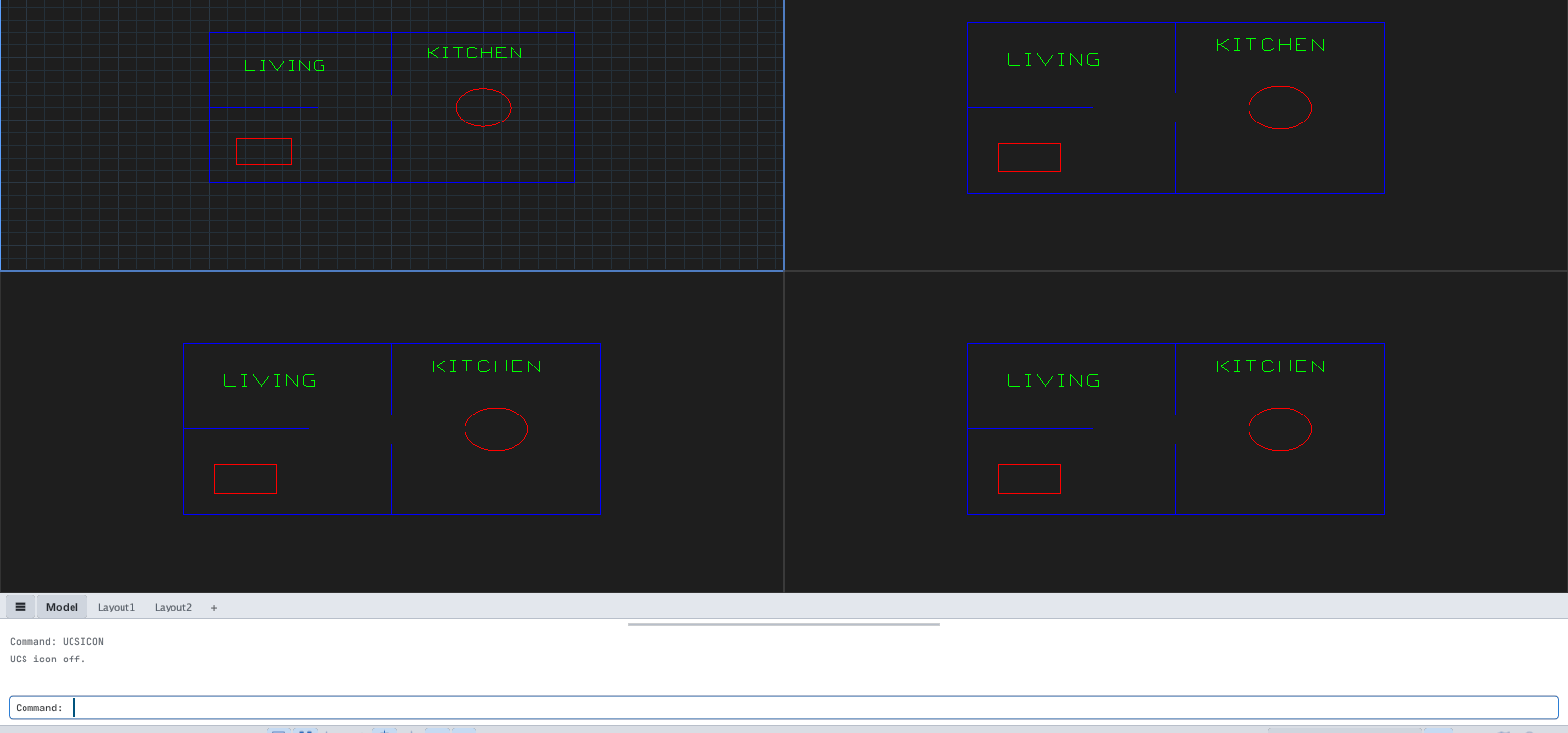
GRID
GRID sets the grid spacing or ON / OFF / Snap / Major / aDaptive / Limits / Aspect. F7 toggles the grid. More in Drafting Settings (see Options).

GRID prompt.FILL, LWDISPLAY
FILL toggles solid fills of hatches / solids (FILLMODE = 0 (solid fills hidden).). LWDISPLAY toggles real lineweight display (the LWT button on the status bar).

FILL message.