Showing and hiding constraints: GCSHOW, GCHIDE, DCSHOW, DCHIDE…
 Ribbon: Parametric ▸ Geometric / Dimensional ▸ Show, Hide, Show All, Hide All, ResetCommand:
GCSHOW, GCHIDE, GCSHOWALL, GCHIDEALL, GCRESET, DCSHOW, DCHIDE, DCSHOWALL, DCHIDEALL
Before
→
After
GCHIDEALL hides all geometric constraint icons; the constraints stay in force.
GCSHOWALL shows them again.Before
→
After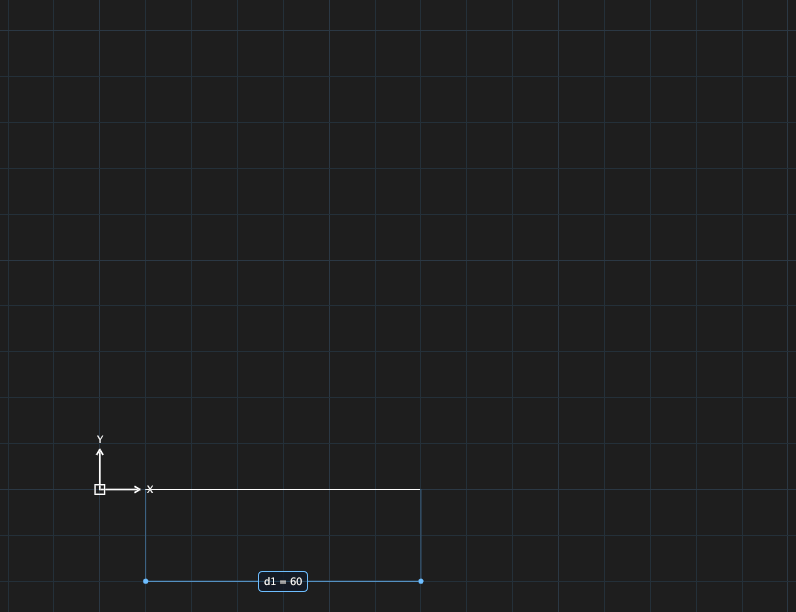
DCHIDEALL hides the dimension labels (left); DCSHOWALL shows them again (right).GCSHOW/GCHIDE: show / hide the icons of the objects you select;GCSHOWALL/GCHIDEALL: all of them;GCRESET: reset the icon positions.DCSHOW/DCHIDE/DCSHOWALL/DCHIDEALL: the same for dimension labels.