Shape constraints: Tangent, Smooth, Symmetric, Equal
 Ribbon: Parametric ▸ Geometric ▸ Tangent / Smooth / Symmetric / EqualCommand:
GCTANGENT, GCSMOOTH, GCSYMMETRIC, GCEQUAL
GCTANGENT — tangent
Before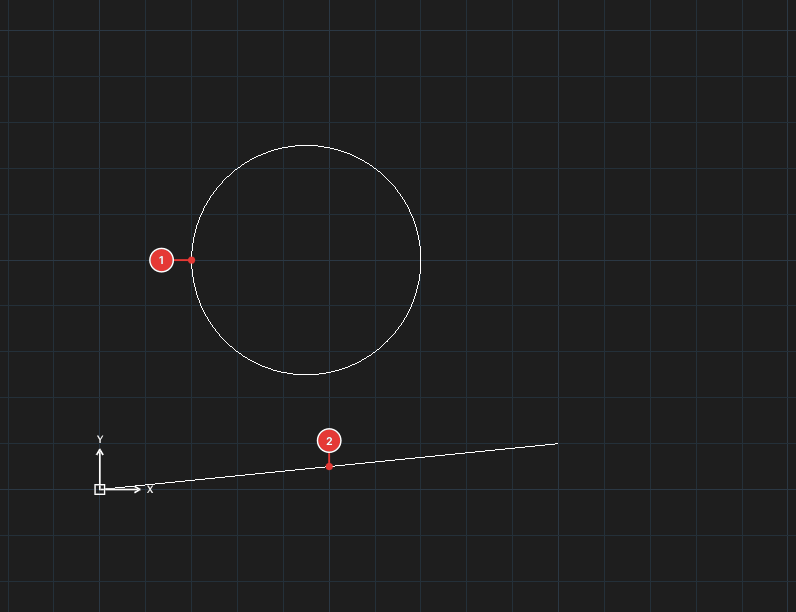
→
After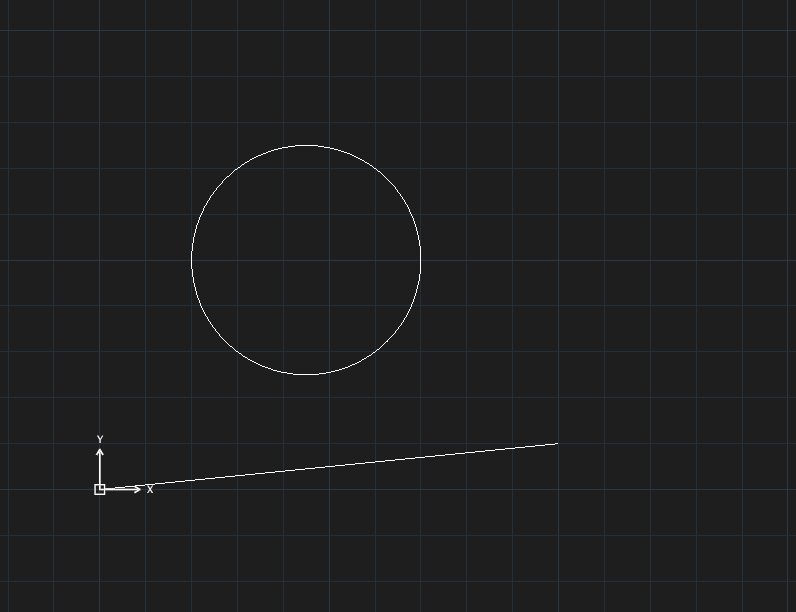
GCTANGENT, click the first object (line, circle, arc or ellipse), then the second.
GCSYMMETRIC — symmetric
Before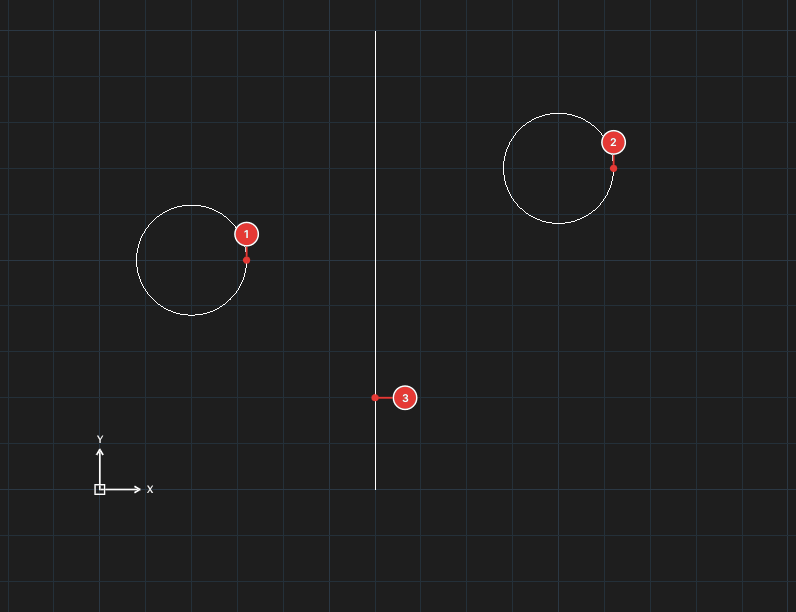
→
After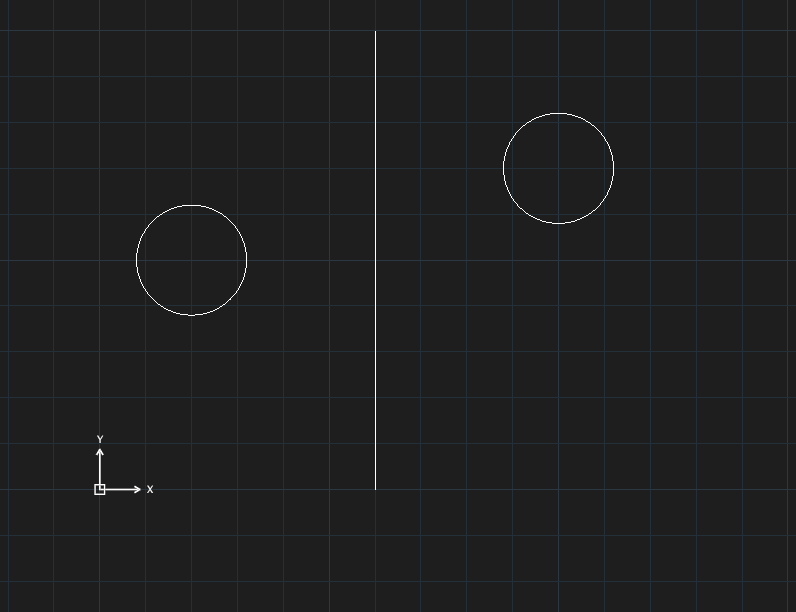
GCSYMMETRIC, click the first object, the second (same kind), then the symmetry line (Select the symmetry line).
GCEQUAL — equal
Before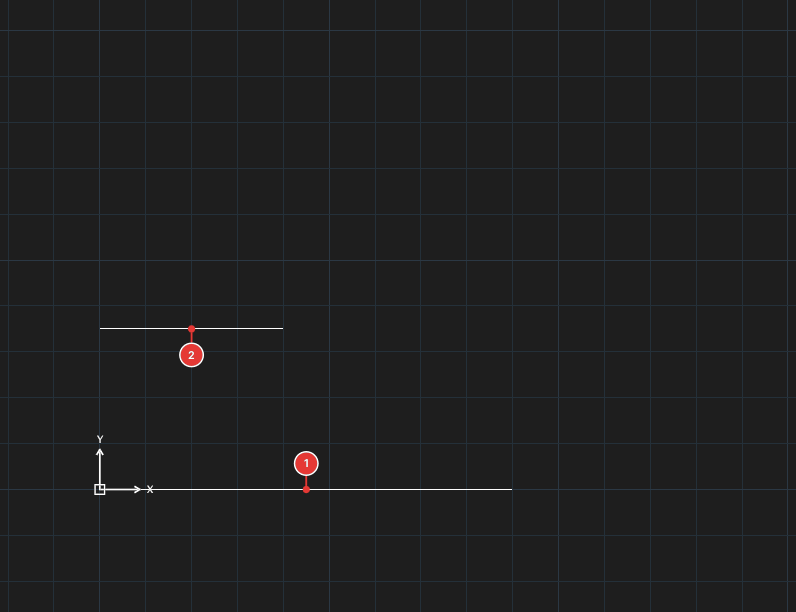
→
After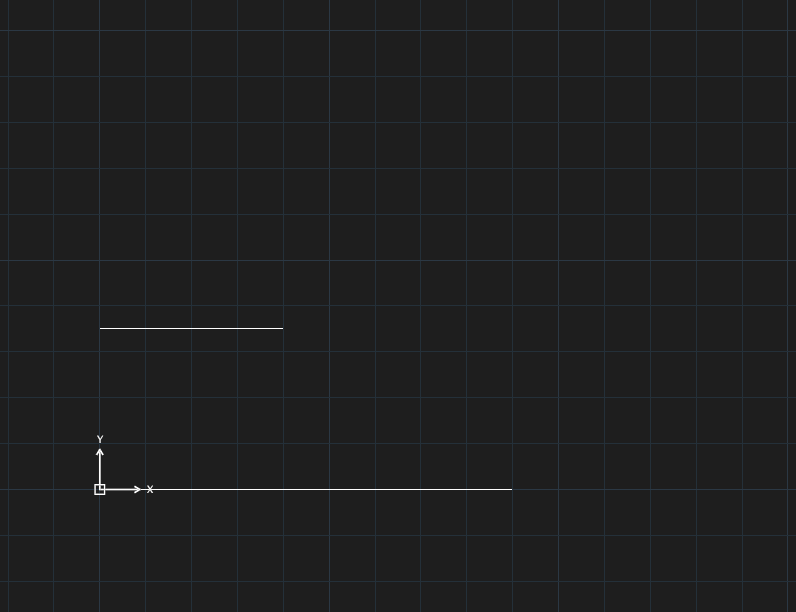
GCEQUAL, click two lines (or two circles / arcs — they must be the same kind).
GCSMOOTH — smooth
GCSMOOTH joins the end of a spline smoothly to a spline, line, arc or polyline: Select the end point of the first curve then Select the end point of the second curve.