PARAMETERS — Parameters Manager
 Ribbon: Parametric ▸ Manage ▸ Parameters ManagerCommand:
PARAMETERS, -PARAMETERS
Every dimensional constraint has a parameter. An expression can use other parameters: make w = 100 and then h = w/2 and changing w changes h.
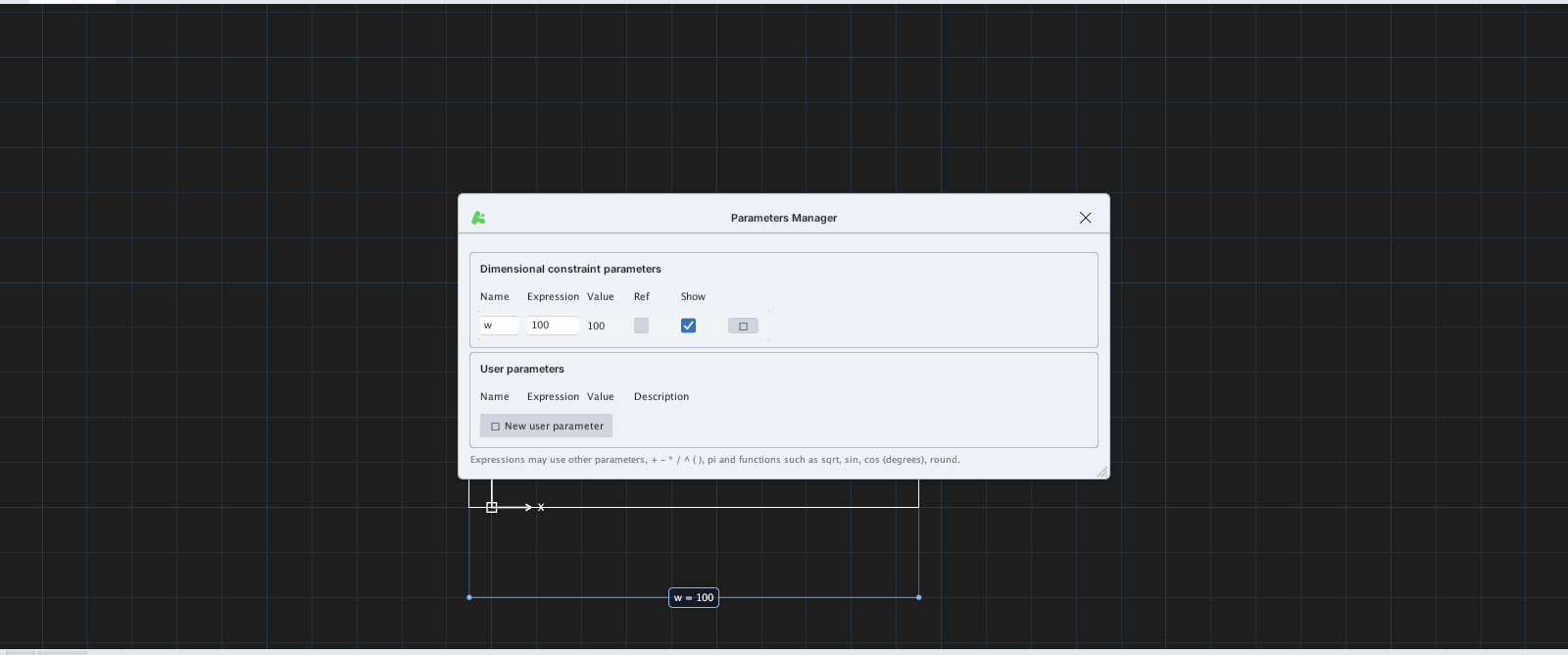
w = 100 and h = w/2 (value 50).| Column | Meaning |
|---|---|
| Name | Parameter name |
| Expression | A number or expression: other parameters, + - * / ^ ( ), pi and the functions sqrt, sin, cos (degrees), round |
| Value | The computed value |
| Ref | Reference: measures only, does not drive |
| Show | Show / hide the label on the drawing |
| User parameters | Your own variables (New user parameter) to use in expressions |
-PARAMETERSprints the parameters on the command line, for examplerad1 = 25 [25].- To change a value: edit the Expression box in the table; the geometry updates.