AUTOCONSTRAIN — Auto Constrain
 Ribbon: Parametric ▸ Geometric ▸ Auto ConstrainCommand:
AUTOCONSTRAIN
AUTOCONSTRAIN looks at the selected objects and attaches constraints (coincident, horizontal, vertical, parallel…) to relationships that are nearly right, within tolerance.
Before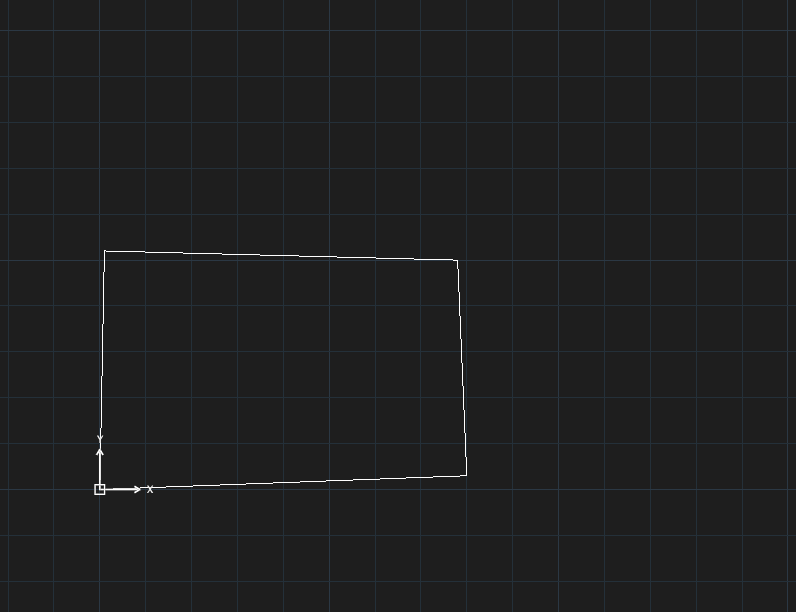
→
After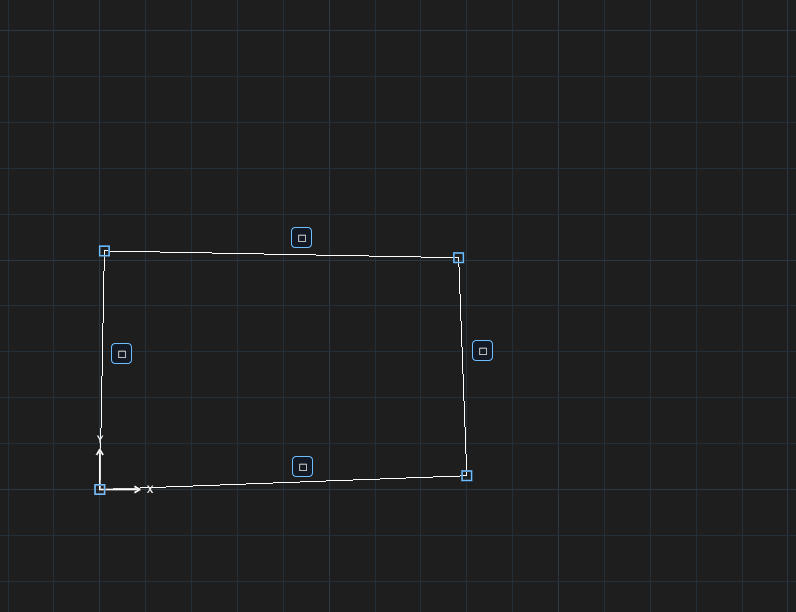
- Select the objects.
- Click Auto Constrain or type
AUTOCONSTRAIN, Enter. With nothing selected the command saysSelect objects first, then run AUTOCONSTRAIN.