Direction constraints: Parallel, Perpendicular, Horizontal, Vertical
 Ribbon: Parametric ▸ Geometric ▸ Parallel / Perpendicular / Horizontal / VerticalCommand:
GCPARALLEL, GCPERPENDICULAR, GCHORIZONTAL, GCVERTICAL
GCPARALLEL — parallel
Before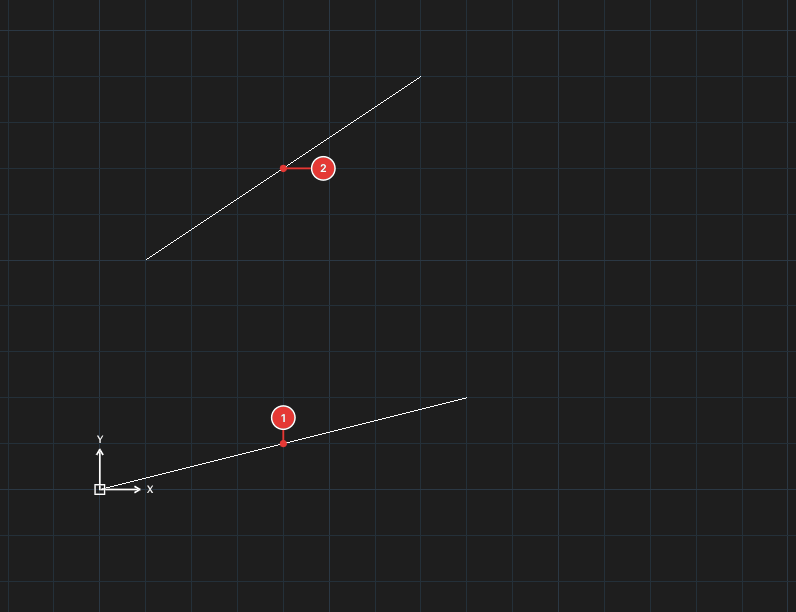
→
After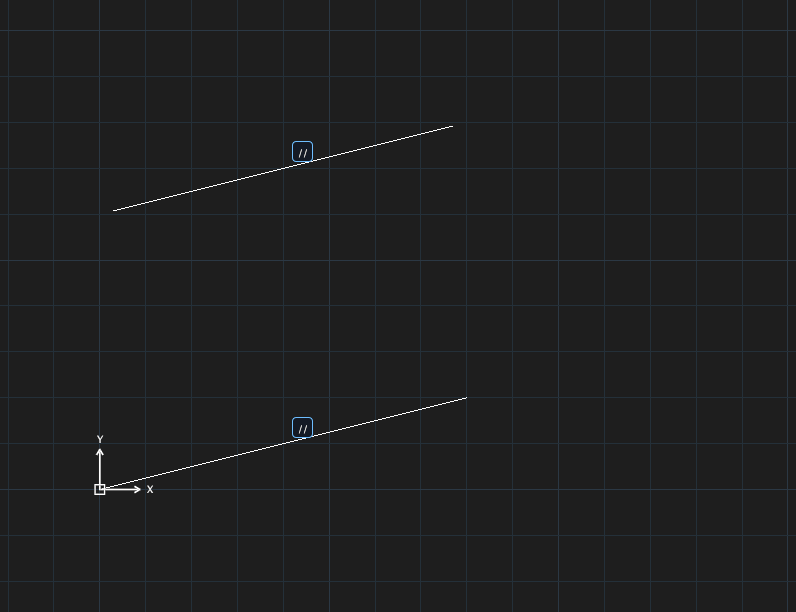
GCPARALLEL, click the first line, then the second.
GCPERPENDICULAR — perpendicular
Before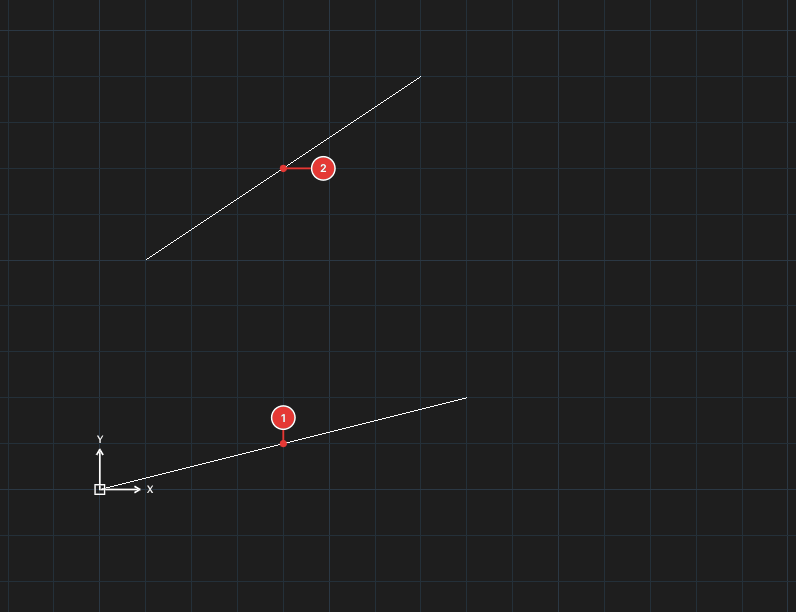
→
After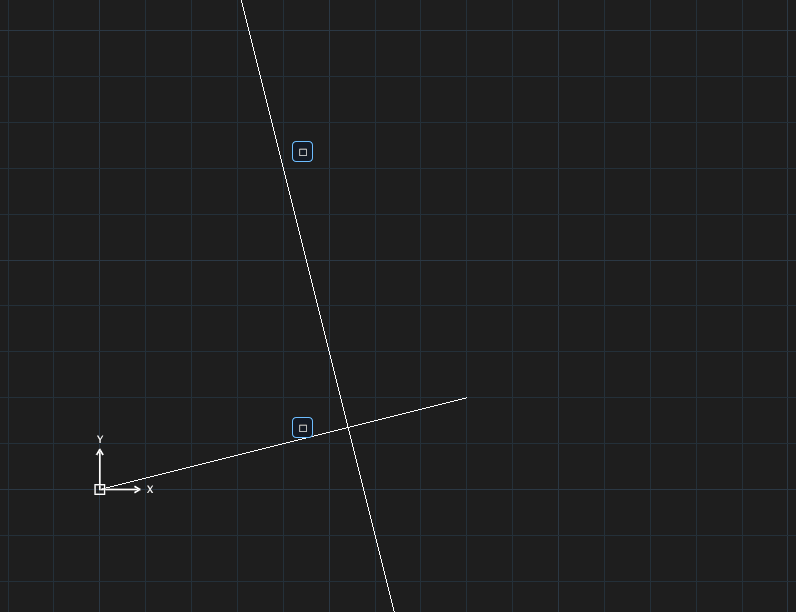
GCPERPENDICULAR, click the first line, then the second.
GCHORIZONTAL and GCVERTICAL
Before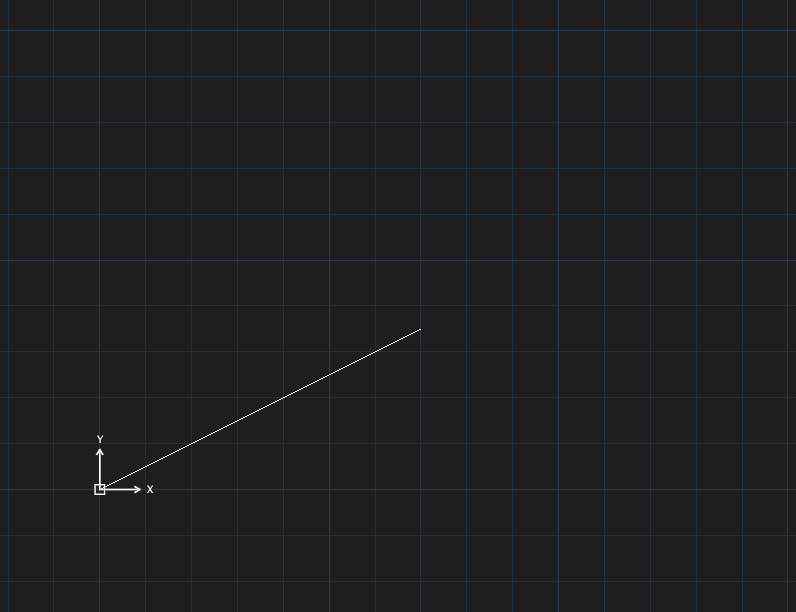
→
After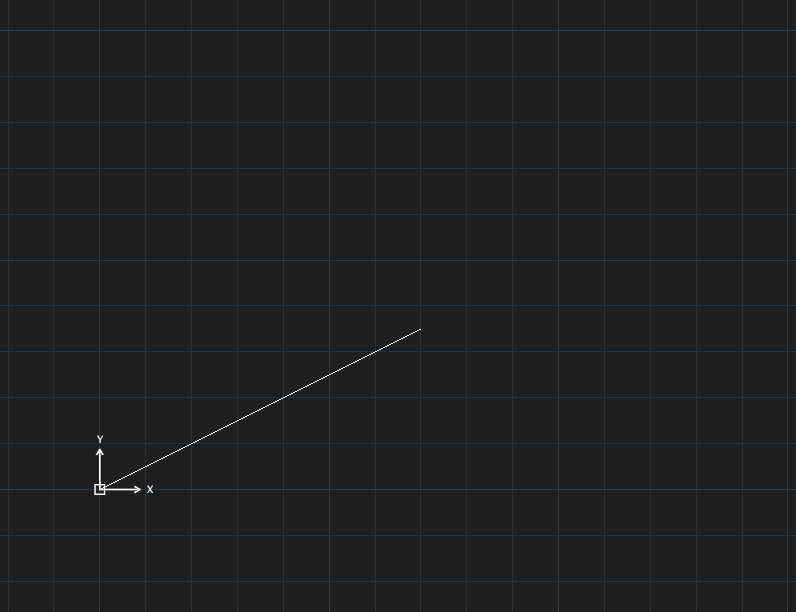
GCHORIZONTAL: the sloped line becomes horizontal.Before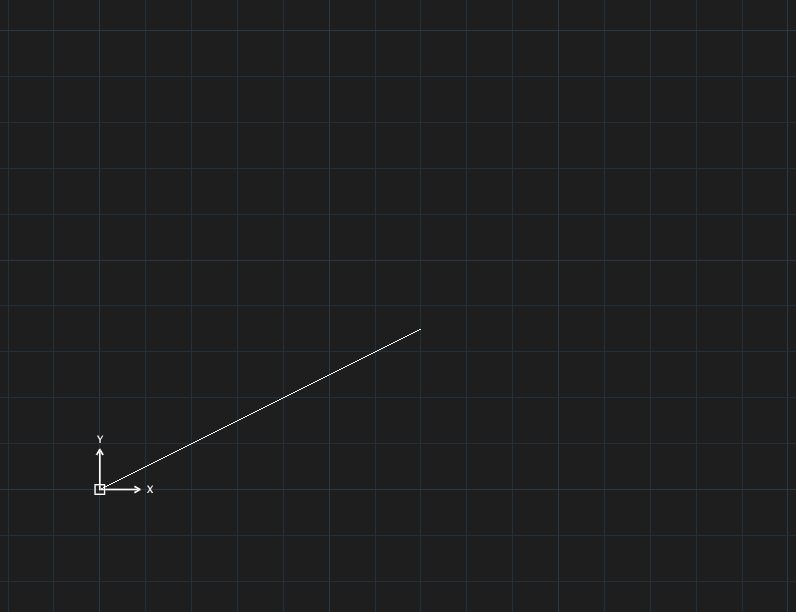
→
After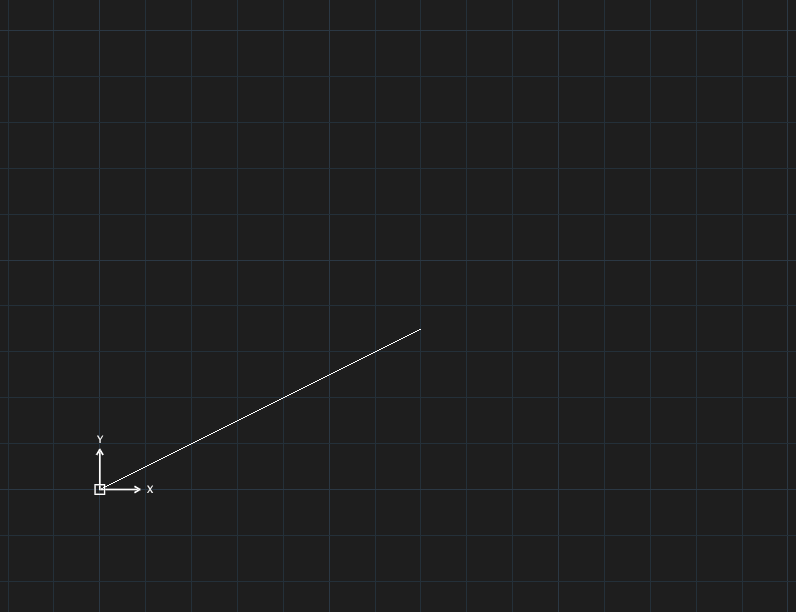
GCVERTICAL: the sloped line becomes vertical.GCHORIZONTALorGCVERTICAL, click one line (Select an object), or click two points (Select first point/Select second point).