Exercise: a rectangle with parametric size
This exercise builds a rectangle whose height is always half its width, then changes the width.
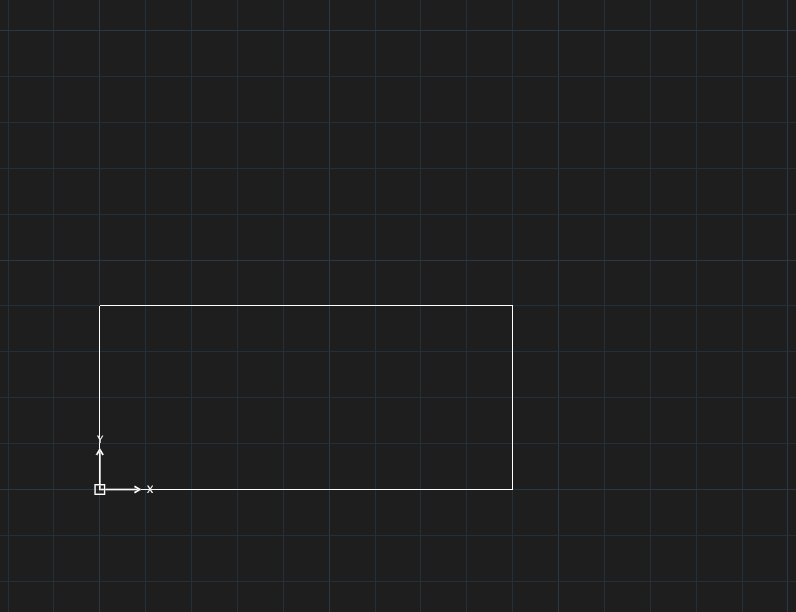
RECTANGLE command.- Draw a rectangle (
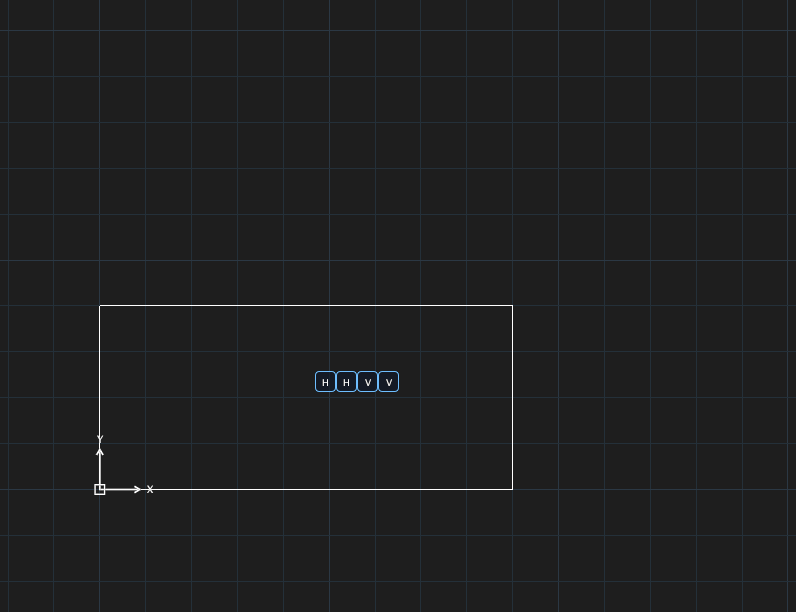
REC). - Keep the sides horizontal / vertical:
GCHORIZONTALon the bottom side,GCHORIZONTALon the top side,GCVERTICALon the left side,GCVERTICALon the right side. The rectangle becomes a closed polyline when the first constraint is applied.
DCLINEAR, click the two ends of the bottom side, place the dimension, typew=100.DCLINEARagain on the right side, typeh=w/2.
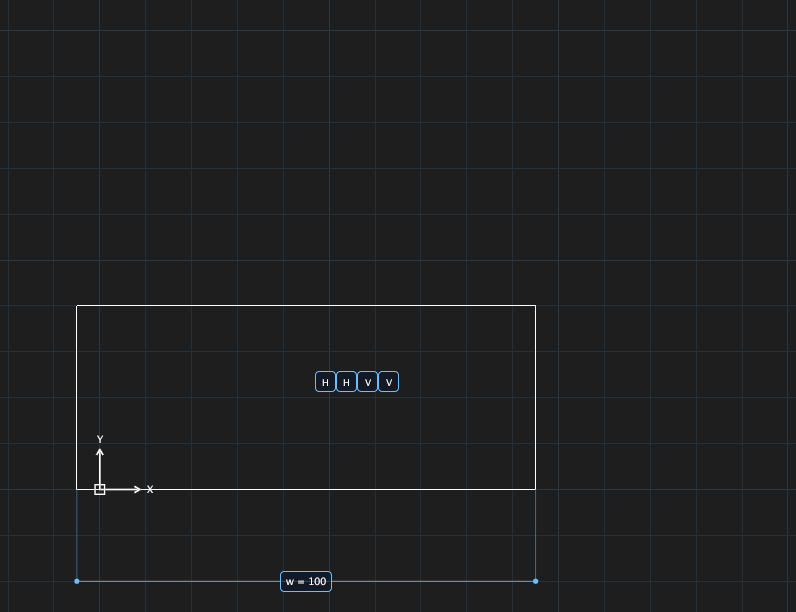
w = 100, height h = w/2.- Open the Parameters Manager (
PARAMETERS): you seew = 100andh = w/2(value 50). - Change
wandhfollows. The figure shows the result created withw=140:hbecomes 70 by itself.
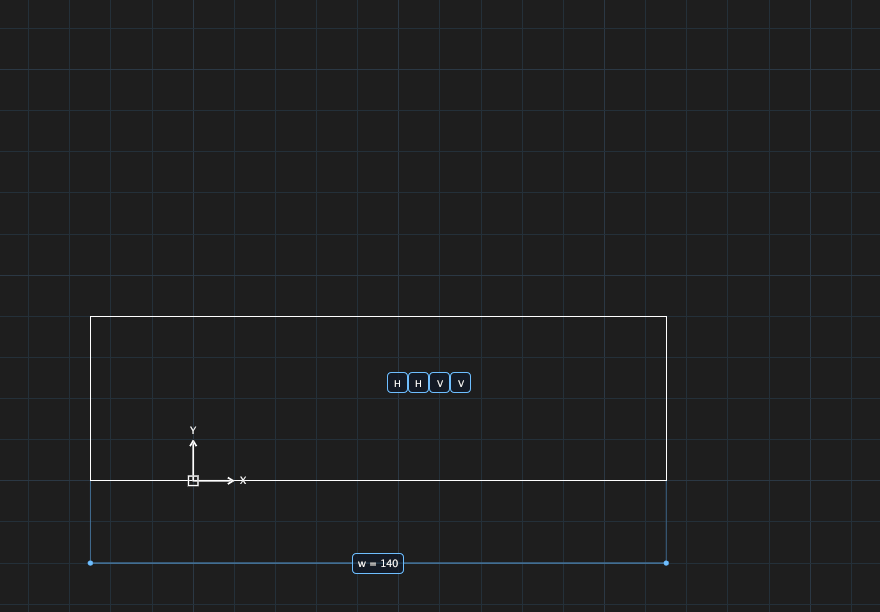
w = 140: h = w/2 is recomputed.