Undo and redo
QAT: Undo / RedoCommand: U, UNDO, REDO, MREDOKeys: Ctrl+Z, Ctrl+Y
Every command you run (from the moment you start it until it finishes or Esc) is one step of undo.
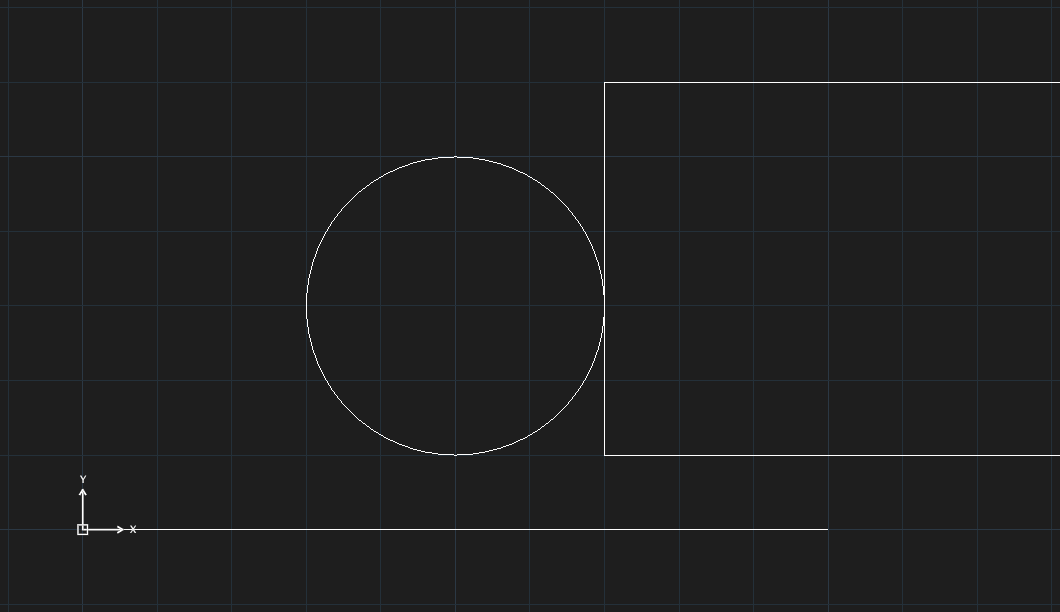
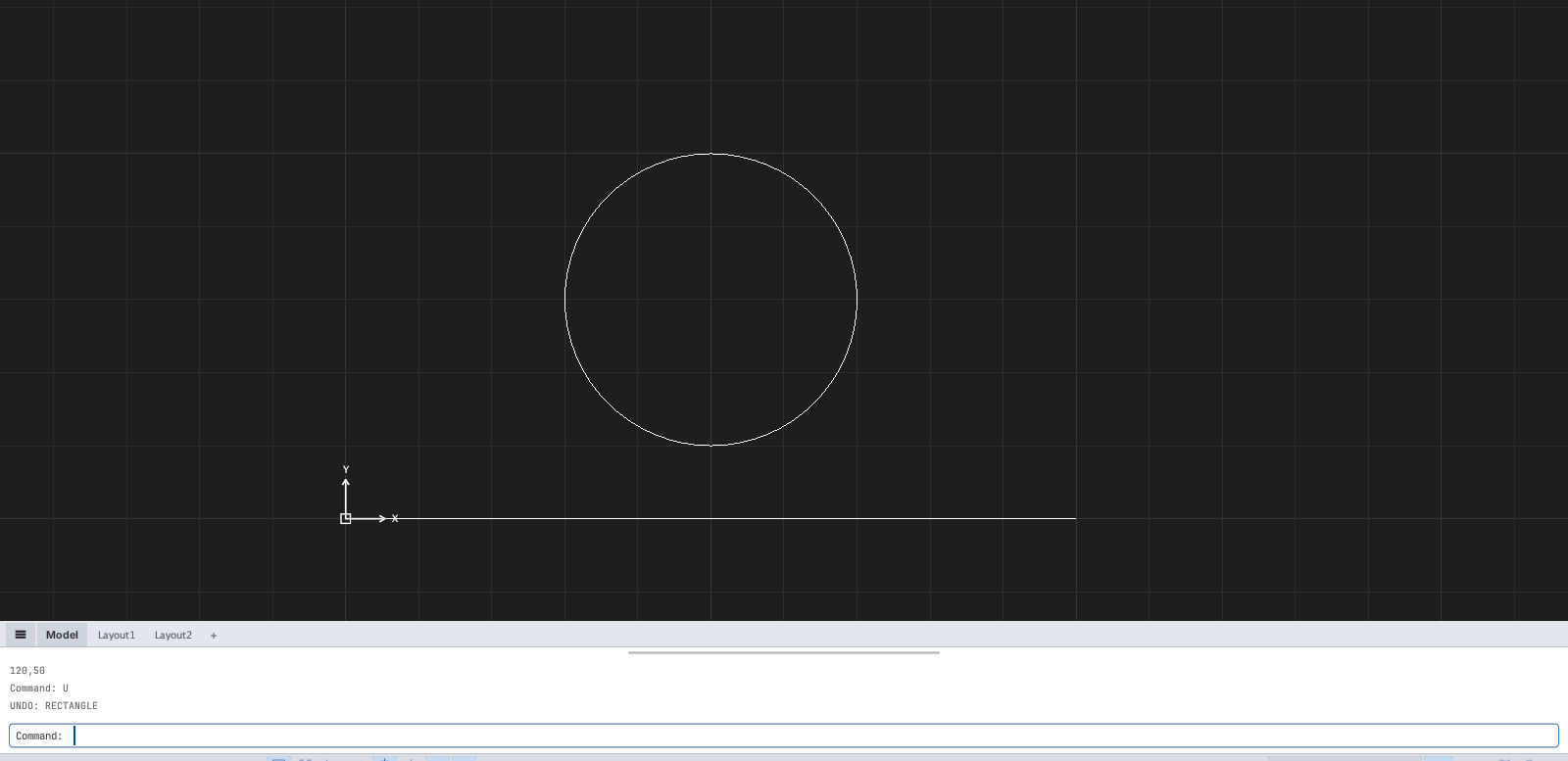
U: the last step (the rectangle) is removed.| How | Effect |
|---|---|
U or Ctrl+Z or the Undo button | Undo one step |
UNDO then a number, for example 2 | Undo several steps |
| The arrow next to Undo on the QAT | Pick the step count from a list (1 step, 2 steps, … All) |
REDO or Ctrl+Y (Ctrl+Shift+Z) | Redo the step just undone |
MREDO | Redo several steps (All / Last / a number) |

UNDO prompt: Enter the number of operations to undo or [Auto/Control/BEgin/End/Mark/Back] <1>:.UNDOalso hasBEgin/Endto group several commands into one andMark/Backto return to a marked point.- Doing something new after an undo discards the pending redo steps.
- The memory for each drawing's history is set in Options ▸ System; beyond the limit the oldest steps are dropped.