Erase and the clipboard
Erase
Ribbon: Draw ▸ Modify ▸ EraseCommand: ERASEKey: Delete
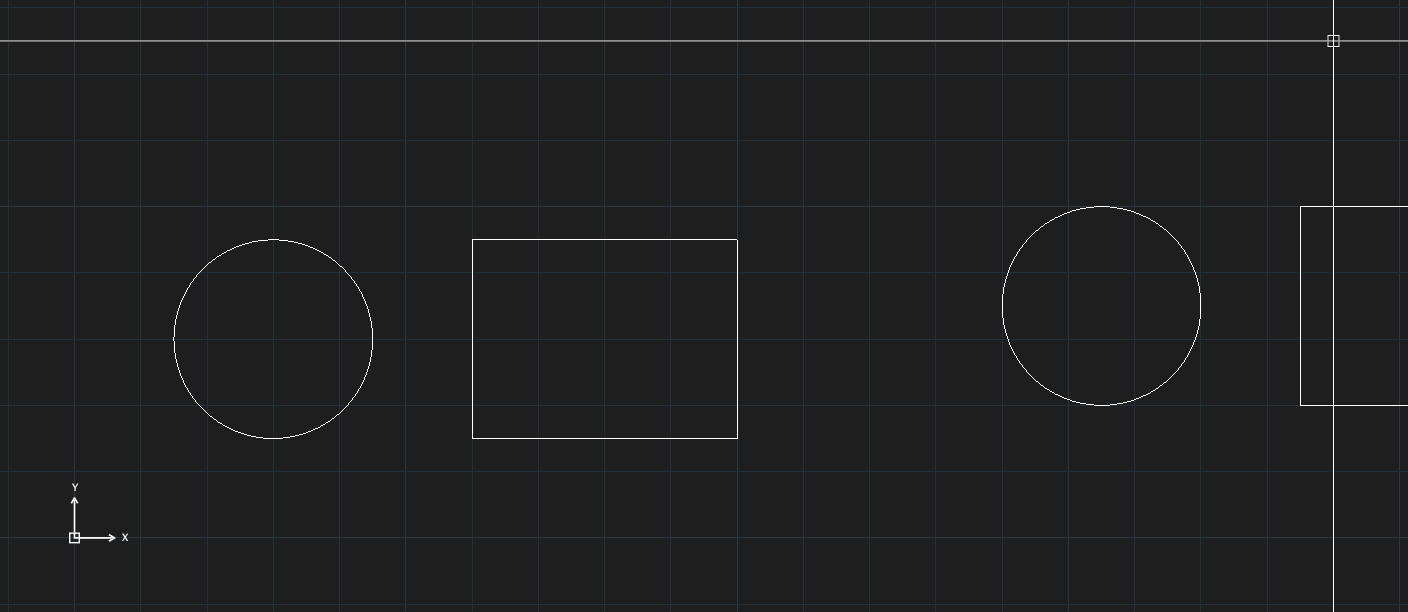
Select objects and press Delete (or Backspace), or call ERASE. If nothing is selected, ERASE asks Select objects — press Enter when done. Undo with U.
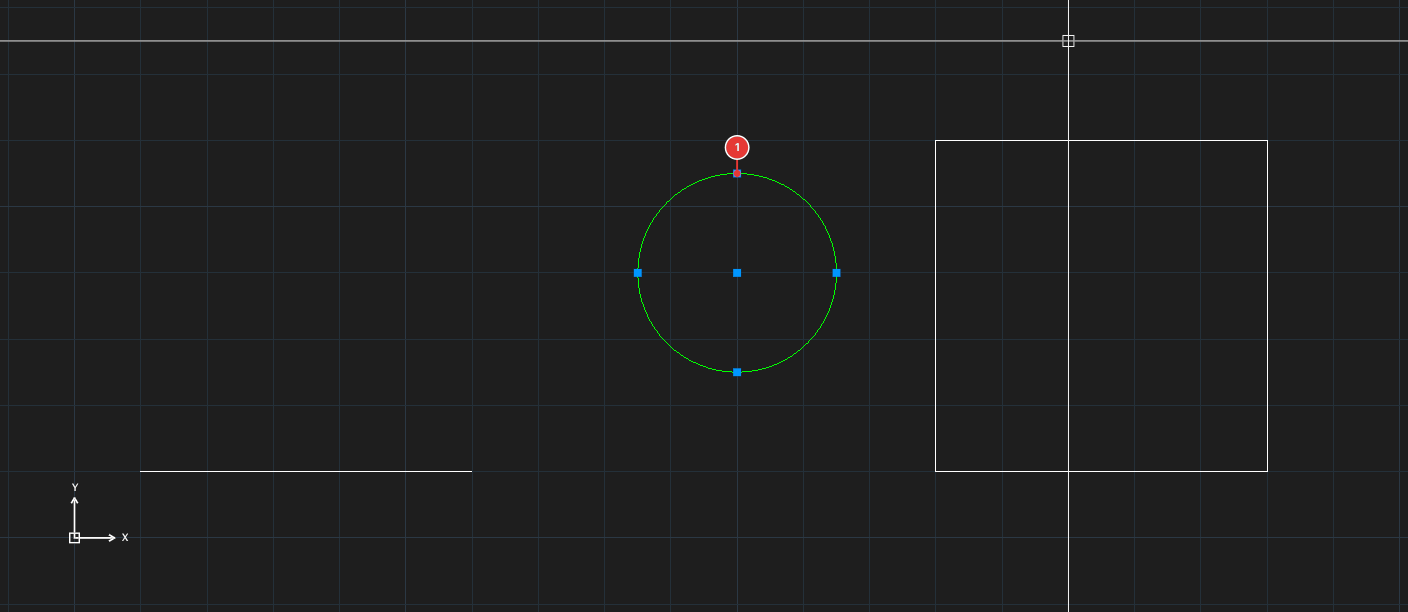
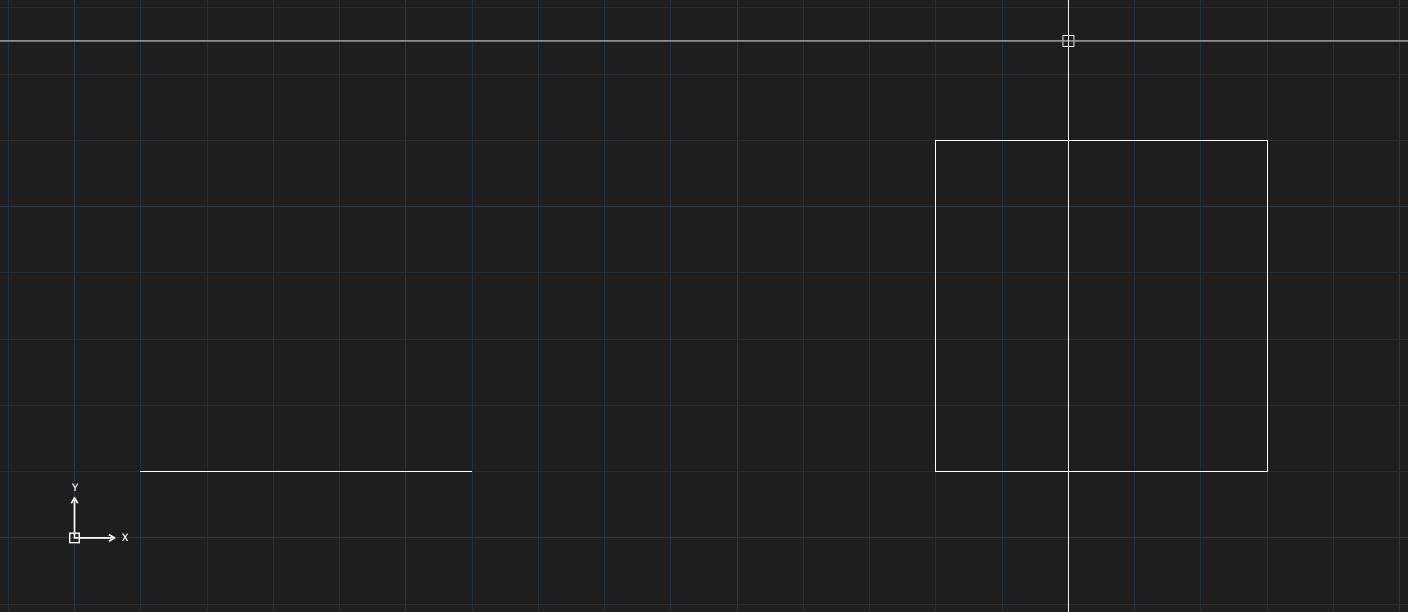
ERASE: the circle is gone, the other two objects remain.The clipboard
| Command | Key | Effect |
|---|---|---|
COPYCLIP | Ctrl+C | Copy the selected objects to the clipboard |
COPYBASE | Ctrl+Shift+C | Copy with a base point you pick |
CUTCLIP | Ctrl+X | Cut (copy then erase) |
PASTECLIP | Ctrl+V | Paste: click the insertion point |
PASTEBLOCK | Ctrl+Shift+V | Paste as a block |
PASTEORIG | right-click menu | Paste at the original coordinates (Paste to Original Coordinates) |
If nothing is selected when you call COPYCLIP, it asks Select objects. The commands are also on the Clipboard panel (Draw tab) and in the right-click menu.
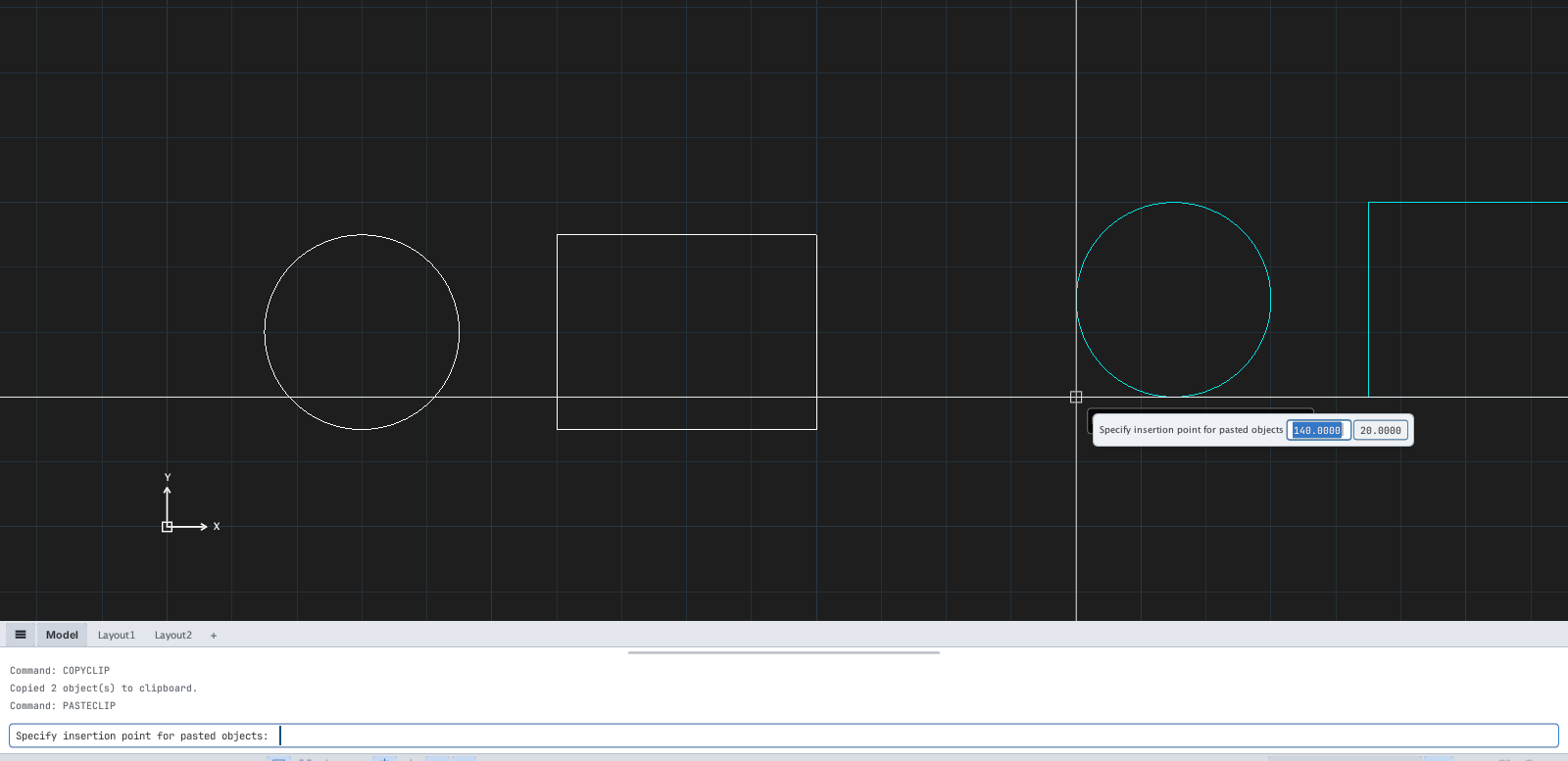
PASTECLIP waits for the insertion point: the copy follows the cursor.When pasting, the lower-left corner of the group is placed at the point you click.