Confirm a prompt, finish a multi-point command; when idle: repeat the previous command
Esc
Cancel the running command, clear the selection
Right-click
While selecting objects for a command: done (like Enter); while entering points: ends the command; idle: opens a menu
Shift + right-click
Temporary object snap menu
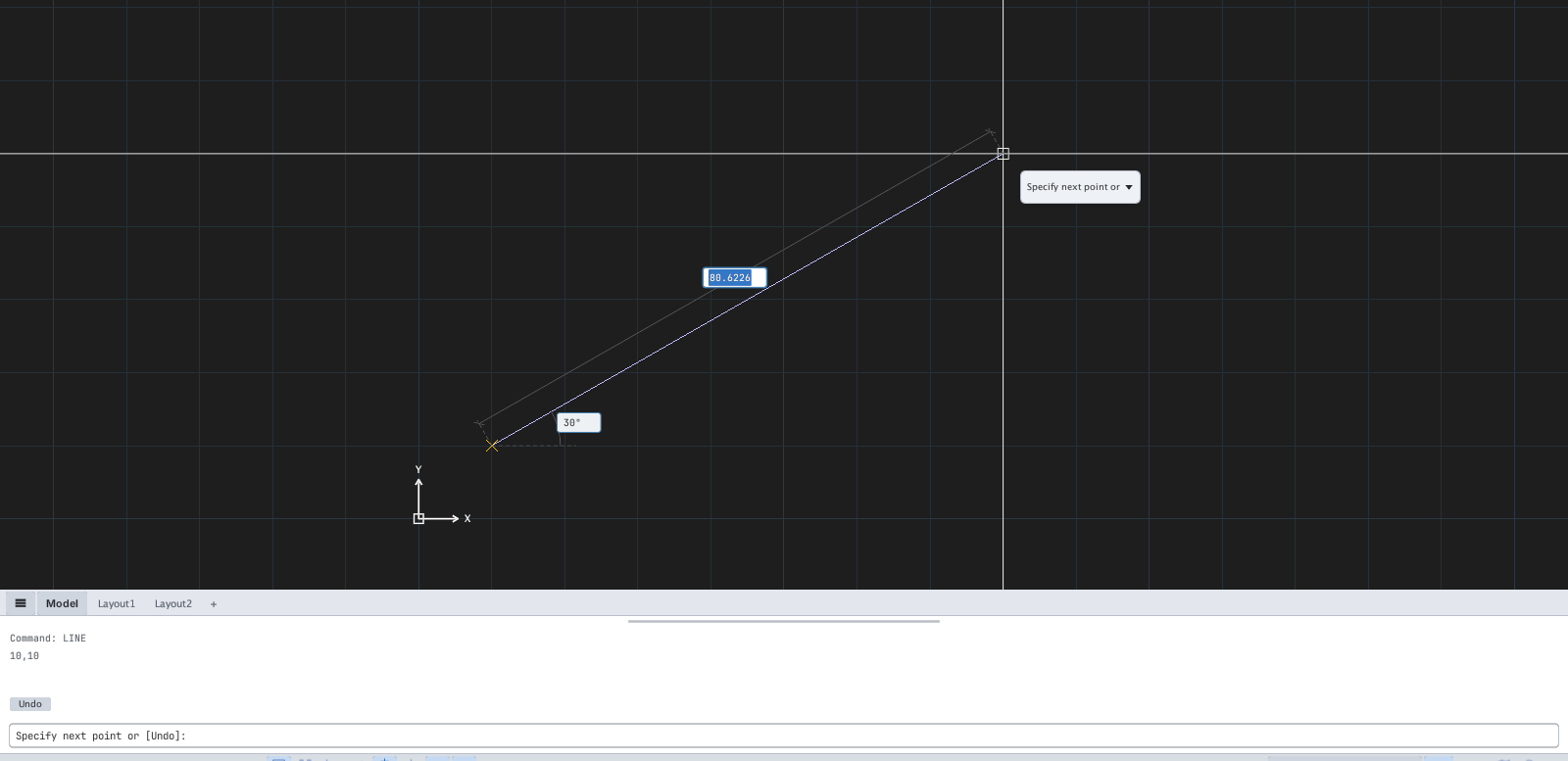
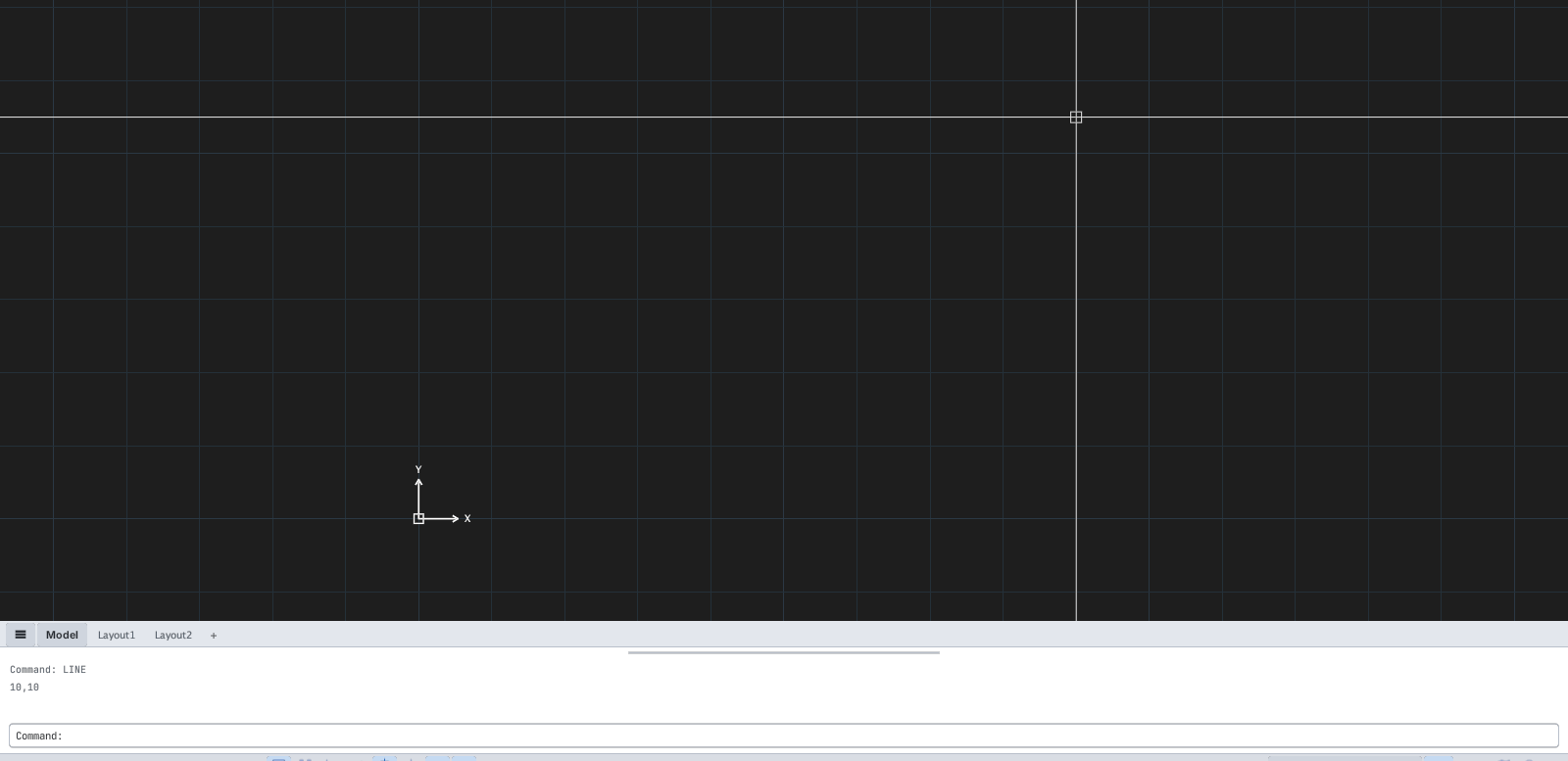
Figure 2.4 — Drawing a LINE: the first point is set, a rubber band follows the cursor; prompt Specify next point or [Undo]:.Figure 2.5 — After Esc: the command is cancelled, no line was created, the command line is back to Command:.
Mouse
Action
Effect
Left click
Select an object / specify a point
Hold the middle button and drag
Pan
Scroll wheel
Zoom about the cursor
Double-click the middle button
Zoom Extents
Ctrl + click
Add to the selection
Shift + click
Remove from the selection
Function keys
Key
Effect
F2
Toggle compact / large command history
F5
Cycle the isometric plane (with isometric snap)
F7
Grid
F8
Ortho
F9
Snap
F10
Polar
F11
Object snap tracking
F12
Dynamic Input
F3 turns Osnap on / off. On macOS, if F3 is taken by Mission Control, press fn+F3.
Keys with Ctrl
Key
Effect
Ctrl+A
Select all
Ctrl+C / Ctrl+Shift+C
Copy / Copy with base point
Ctrl+X
Cut
Ctrl+V / Ctrl+Shift+V
Paste / Paste as Block
Ctrl+S / Ctrl+Shift+S
Save / Save As
Ctrl+Z
Undo
Ctrl+Y / Ctrl+Shift+Z
Redo
Ctrl+Tab
Next drawing (add Shift to go back)
Ctrl+PgUp / PgDn
Previous / next Model / Layout tab
Delete / Backspace
Erase the selected objects
On macOS some Ctrl keys in this table may also respond to ⌘ depending on your system keyboard setup.