KufVBA
Ribbon: (gõ lệnh / type the command)Command: VBAIDE, VBAMAN, VBARUN, VBASTMTAlias: Alt+F11
KufVBA runs VBA macros with an AutoCAD-like object model (ThisDrawing, ModelSpace, Utility…); it reads AutoCAD .dvb files and exports back to .dvb. It runs on Windows and macOS. Only calling Excel / Word / Outlook (CreateObject("Excel.Application")) and driving KufCad from an outside program (KufCad.Application) is Windows-only; Declare (Win32 API) does not work.
| Command | What it does |
|---|---|
VBAIDE (Alt+F11) | Open the Visual Basic Editor |
VBAMAN | VBA Manager: load / unload / save / export .dvb |
VBALOAD, VBAUNLOAD | Load / unload a project (.kvb, .dvb, .bas, .cls, .frm) |
VBARUN (Alt+F8) | The Macros dialog: pick and run a macro |
VBASTMT | Run one VBA statement now |
VBA IDE
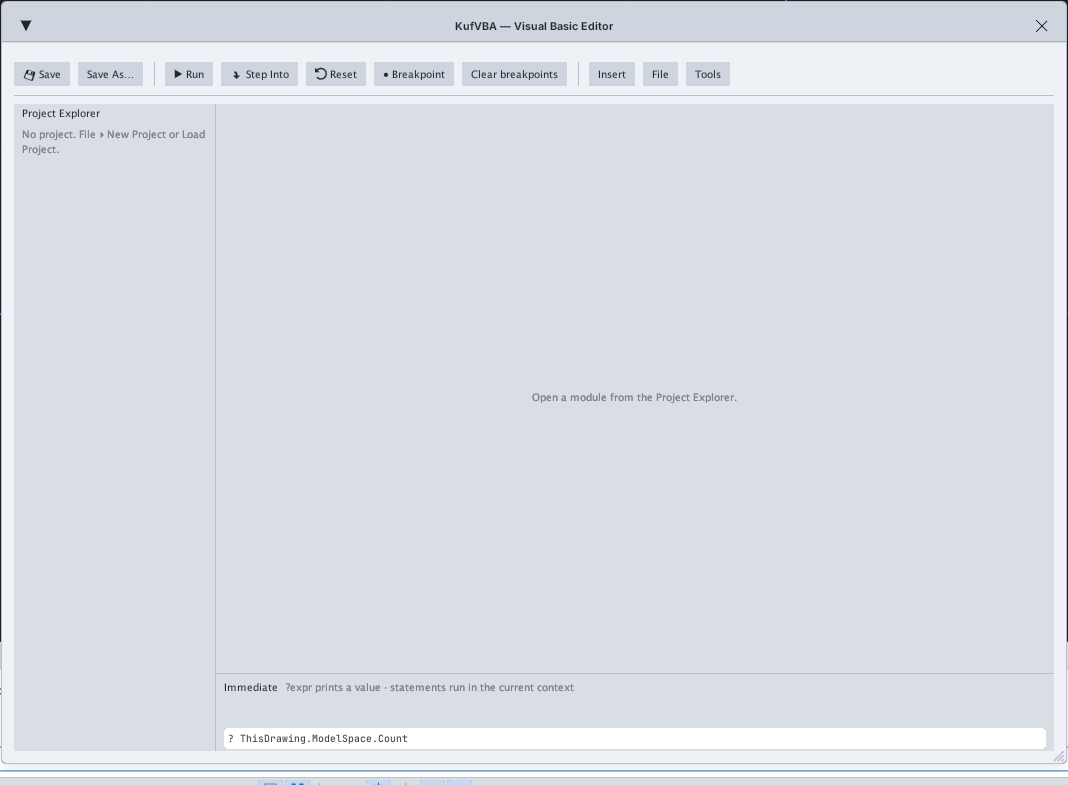
To start: VBAIDE ▸ Insert ▸ Module, type the macro, put the cursor inside the Sub and press F5. Handy keys: F8 steps a line, F9 sets a breakpoint, Ctrl+S saves. The Immediate box takes ? ThisDrawing.ModelSpace.Count or a statement.
Sub VeDuongTron()
    Dim c As Variant, r As Double
    c = ThisDrawing.Utility.GetPoint(, "Tam: ")
    r = ThisDrawing.Utility.GetDistance(c, "Ban kinh: ")
    ThisDrawing.ModelSpace.AddCircle c, r
End Sub
VBA Manager and Macros
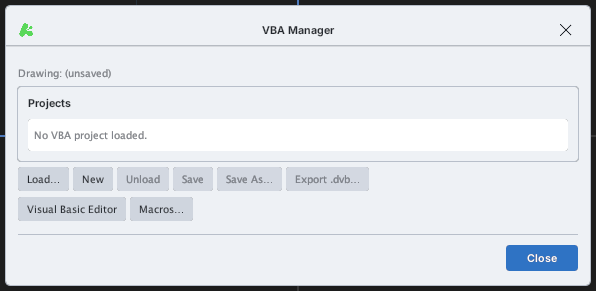
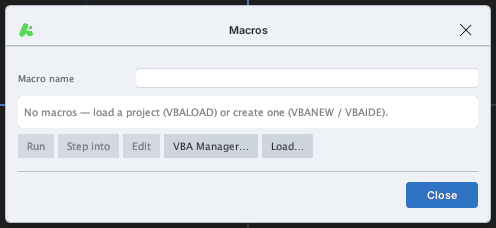
VBARUN.28 sample macros are in samples/vba (grid, layers, polar circles, counting objects, CSV export, dimensioning…): load with VBALOAD then run Main via VBARUN.
VBASTMT
VBASTMT runs exactly one VBA statement, for example ThisDrawing.ModelSpace.AddCircle Array(10,10,0), 5 (checked: it adds a circle to the drawing). Handy for quick tests.
Security: SECURELOAD applies to VBA projects as to LISP; the first time a project calls Shell, Kill, writes outside the drawing folder or opens external COM, KufCad asks once. 3D solids are not available so AddBox, Add3DSolid… report an error.