Scripts (.scr)
Ribbon: —Command: SCRIPTAlias: SCR
A .scr script is a text file with command lines exactly as you would type them; SCRIPT reads and runs them in order. Each space or line break counts as one Enter; a line starting with ; is a comment.
Example ch14_demo.scr:
; draws a rectangle with a circle in it
RECTANG 0,0 120,70
CIRCLE 60,35 20
ZOOM E
Type SCRIPT and choose the file (or type its path when the dialog is switched off with FILEDIA = 0). The result:
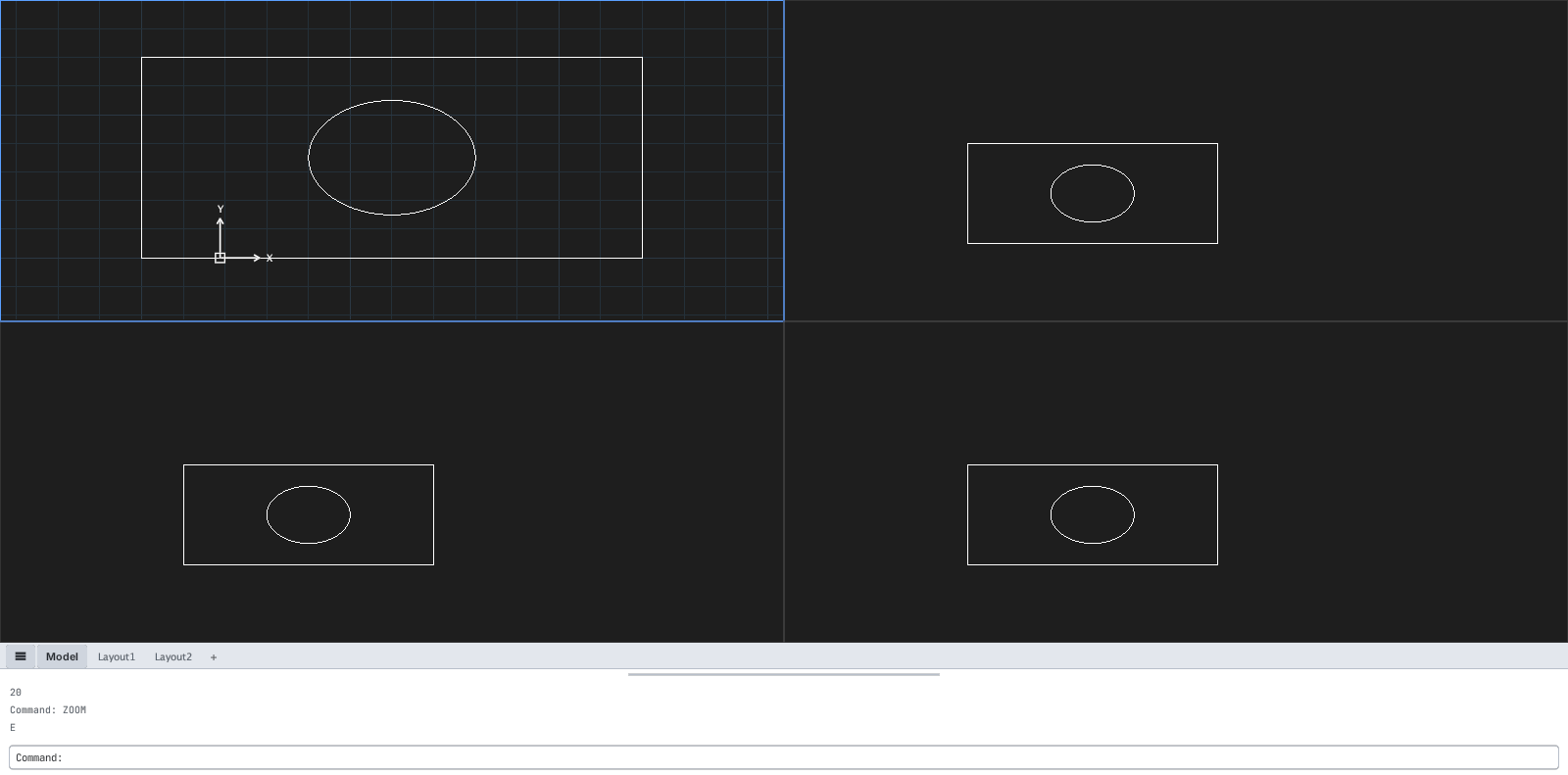
ZOOM E.| Command | What it does |
|---|---|
SCRIPT (or SCR) | Run a .scr file |
| Esc | Interrupt the running script |
RESUME | Continue an interrupted script |
RSCRIPT | Run the last script again |
DELAY ms | (Inside a script) wait that many milliseconds |